All the new features Apple Weather got with iOS 27 update that you don't know about
Published on Sep 25, 2026 at 6:46 AM (UTC-4)
by Daisy Edwards
Last updated on Oct 13, 2026 at 4:00 AM (UTC-4)
Edited by
Mason Jones
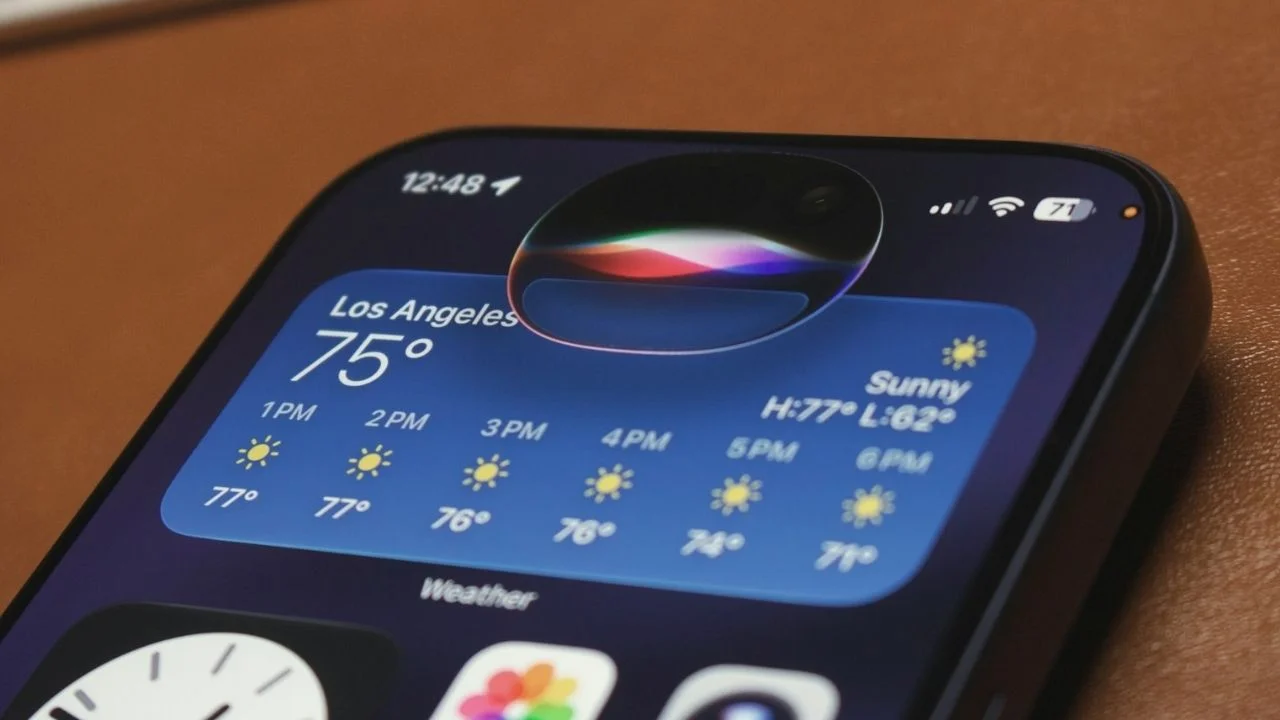

Apple’s iOS 27 update brought plenty of flashy new features to the iPhone, but some of the most useful changes are hiding in apps you probably already use every day, like Apple Weather.
The forecast app has quietly picked up a couple of handy upgrades that make it much easier to see what’s happening outside without digging through different menus.
And if you regularly check the weather before heading out, these small changes could make the app much more useful and leave you dry because you remembered an umbrella at the correct time.
How to check rain forecasts more easily
Before Apple gadgets got iOS 27, Apple Weather could already show you precipitation forecasts, but getting to them wasn’t always particularly obvious.
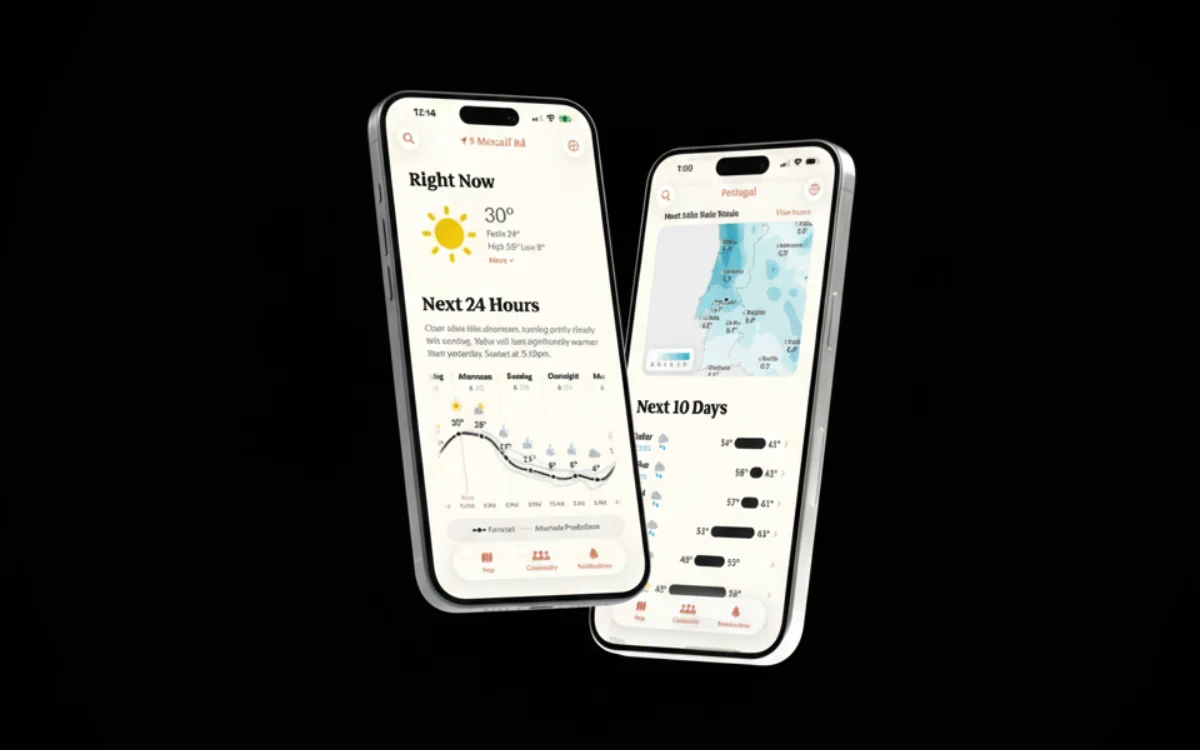
The latest iOS update brings precipitation much closer to the surface, with a new rain icon alongside the other weather information on the app’s main screen.
Tap it and you can switch from the usual Conditions view to a dedicated Precipitation view.
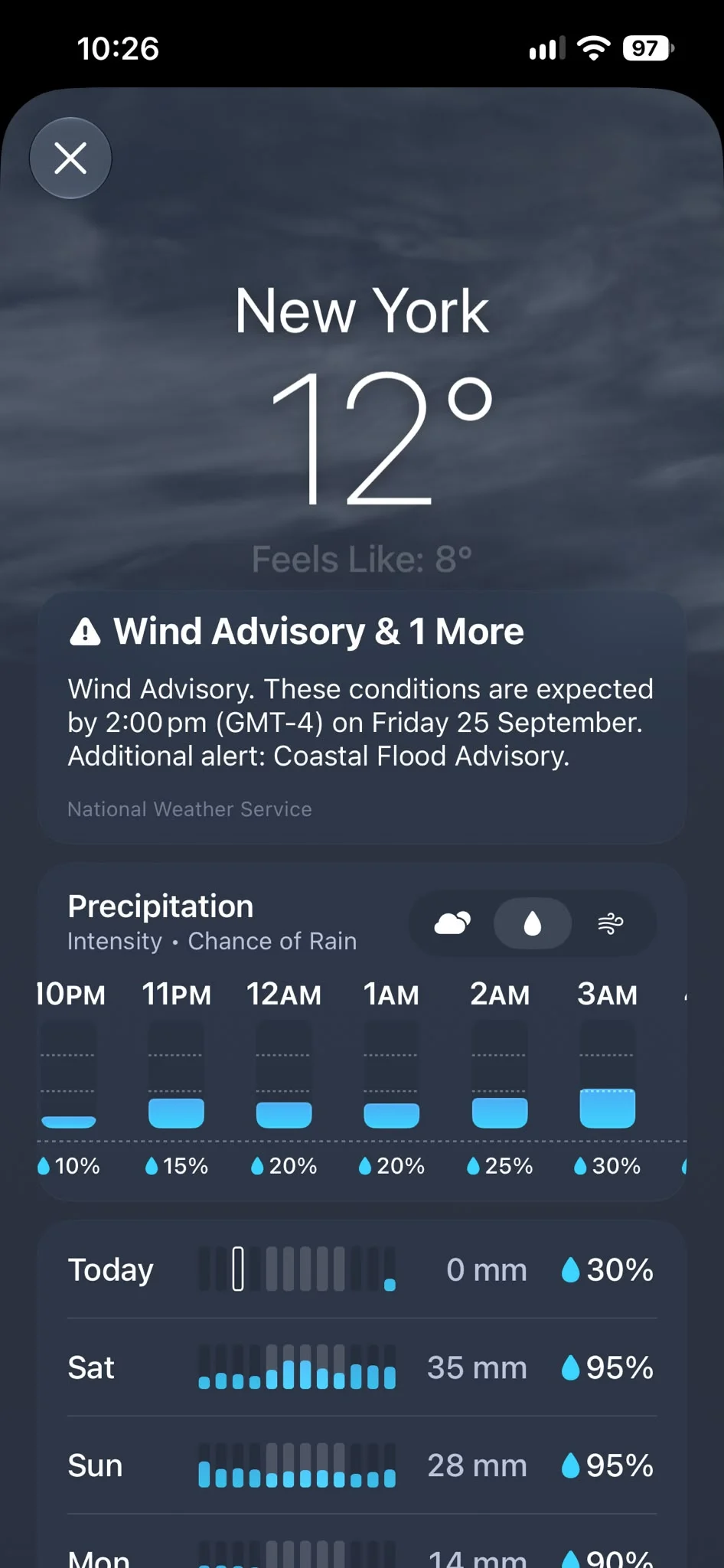
That means you can quickly see how much rain is expected throughout the day without having to tap through individual days or hunt around the app.
The precipitation view also gives you both an hourly forecast and a 10-day outlook, so you can check whether you need an umbrella this afternoon or whether your weekend plans are likely to get rained off.
It’s a small change, but one that could save you a surprising amount of tapping.
Related
Wind forecasts are now easier to find too
Apple has also given wind forecasts the same treatment.
A new wind icon lets you switch to a dedicated Wind view directly from the Weather app’s home screen, putting information that was previously tucked away much closer to your fingertips.
Just like the precipitation section, the Wind view gives you hourly information as well as a 10-day forecast.
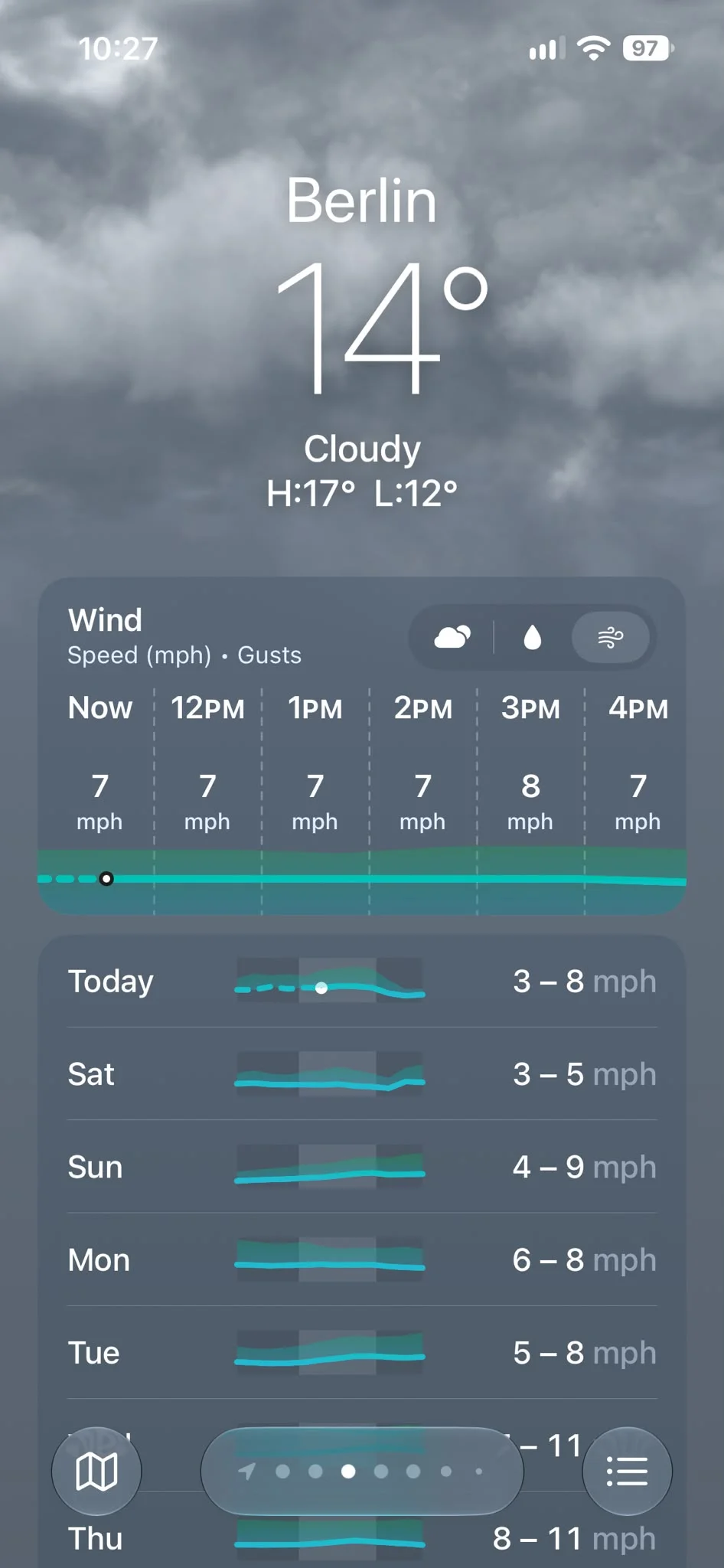
That could be particularly useful if you’re planning a day outdoors, heading out on the water or simply want to know whether that suspiciously strong breeze is going to stick around.
The change also makes Apple Weather feel more like a traditional weather app, where temperature, rain and wind information can all be accessed without having to dig through different menus.
Apple Weather is becoming a little more useful
Neither of these updates is going to completely transform your iPhone, but that’s arguably what makes them interesting.
iOS 27 is packed with much bigger changes, including Apple’s revamped Siri and new Apple Intelligence features, but Apple has also been quietly polishing the everyday apps that people use constantly.
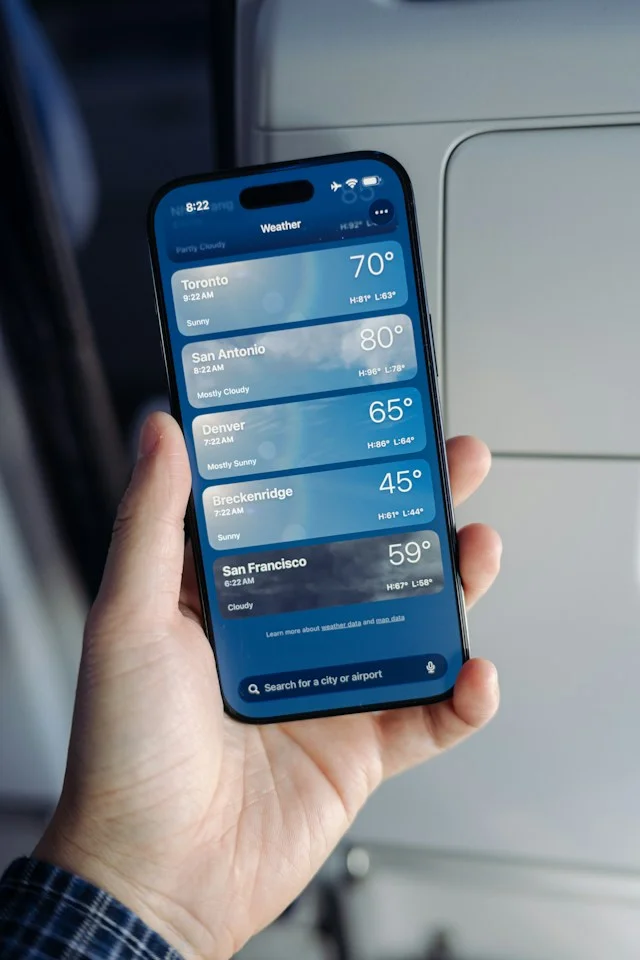
With the new precipitation and wind views sitting alongside the existing Conditions view, Apple Weather now makes more of its information immediately accessible.
So if you’ve already installed iOS 27, open up the Weather app and look for those new rain and wind icons. You might find that your old weather routine has just become a little bit easier.
Daisy is a technology and automotive journalist covering artificial intelligence, consumer tech, Apple news, cryptocurrency, emerging technologies, and transportation innovation. Since joining the team in 2025, she has reported on everything from AI-powered startups and major iOS updates to viral car stories and the latest developments shaping transportation and the digital economy. Drawing on her background in automotive journalism and a degree in History and Journalism from Goldsmiths, University of London, Daisy specializes in breaking down complex topics into clear, engaging reporting for a global audience. Her work spans cutting-edge technology, innovative vehicles, and the people driving change across both industries. Daisy has gained first-hand access to some of the world's most talked-about technologies and innovators, including meeting Tesla's Optimus humanoid robot during its first European appearance in London. She has also discussed the future of space exploration with an astronaut, bringing unique insights and real-world perspectives to her coverage of emerging technology.




