You'd be surprised at how much you can do in the Apple Health app and this is how to get the most out of it
Published on Mar 26, 2026 at 7:41 PM (UTC-4)
by Daisy Edwards
Last updated on Apr 02, 2026 at 12:16 PM (UTC-4)
Edited by
Emma Matthews
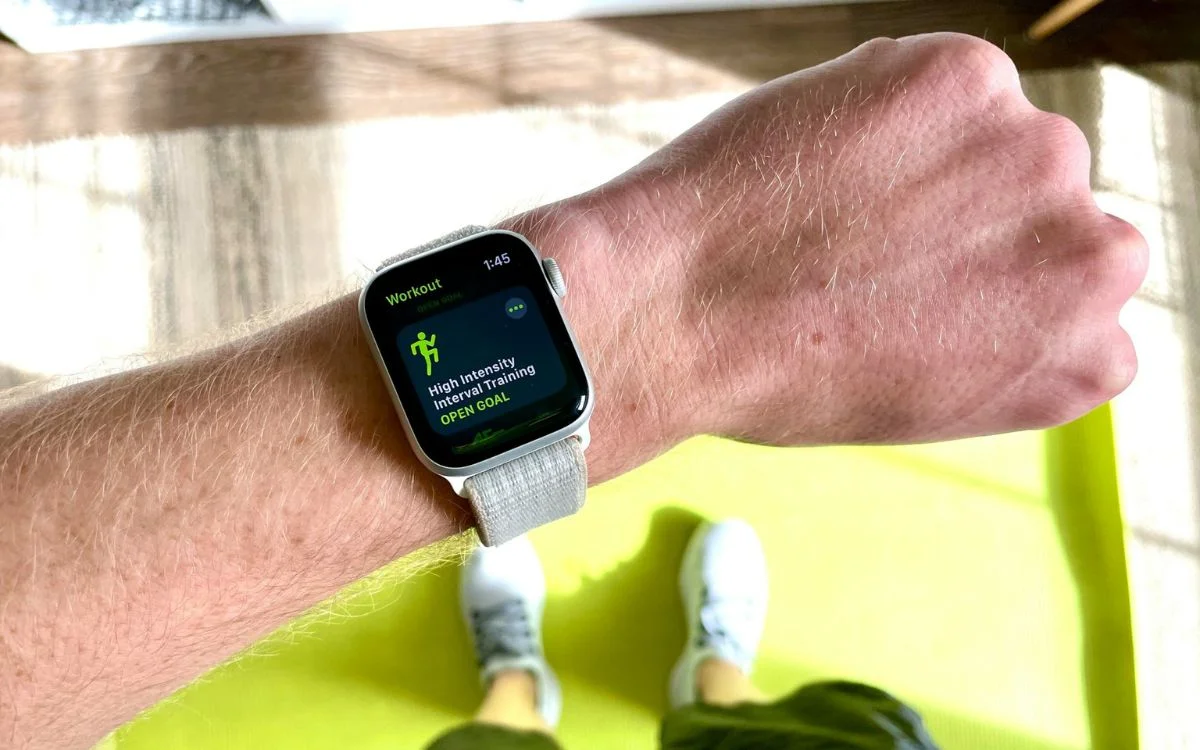

Apple Health might look like one of those apps you ignore until you accidentally tap on it, but it’s actually packed with useful tools.
For a lot of iPhone users, it’s quietly collecting all kinds of information in the background without them realizing just how much it can do.
From workouts and heart rate to sleep, medications, and even records from your doctor, there is a lot more going on here than a simple step counter.
And once you know where everything is, it starts to feel like one of the most helpful apps Apple makes.
Click the star icon next to supercarblondie.com in Google Search to stay ahead of the curve on the latest and greatest supercars, hypercars, and ground-breaking technology
Apple Health app can do far more than just count your steps
One of the biggest reasons the Apple Health app is such a powerful piece of tech is that it pulls data together from all over the place.
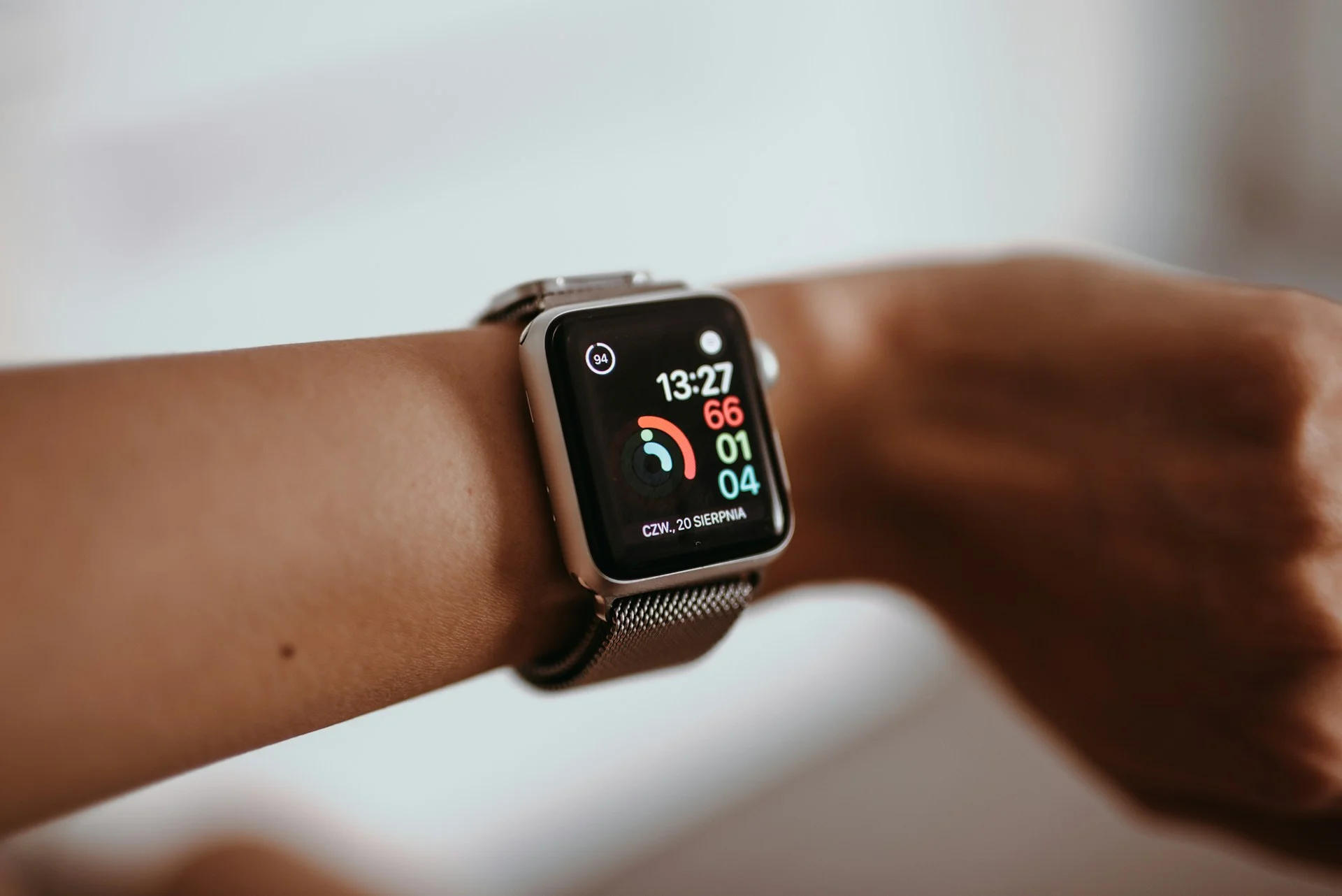
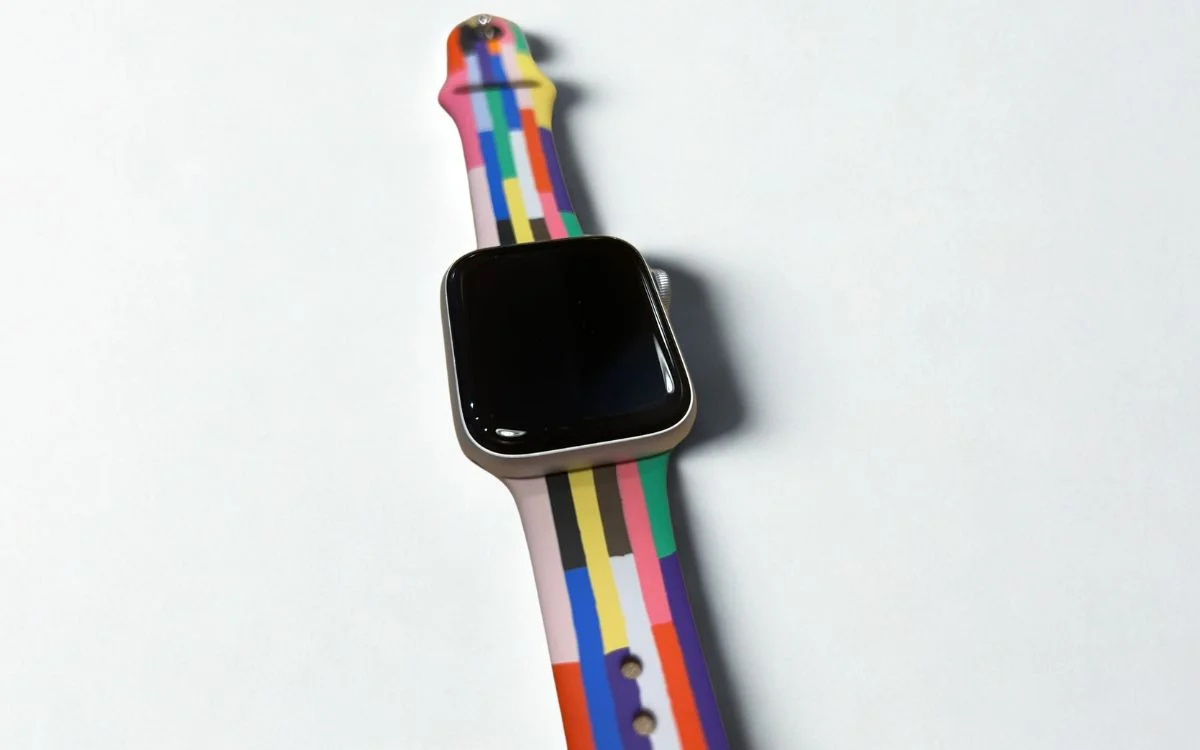
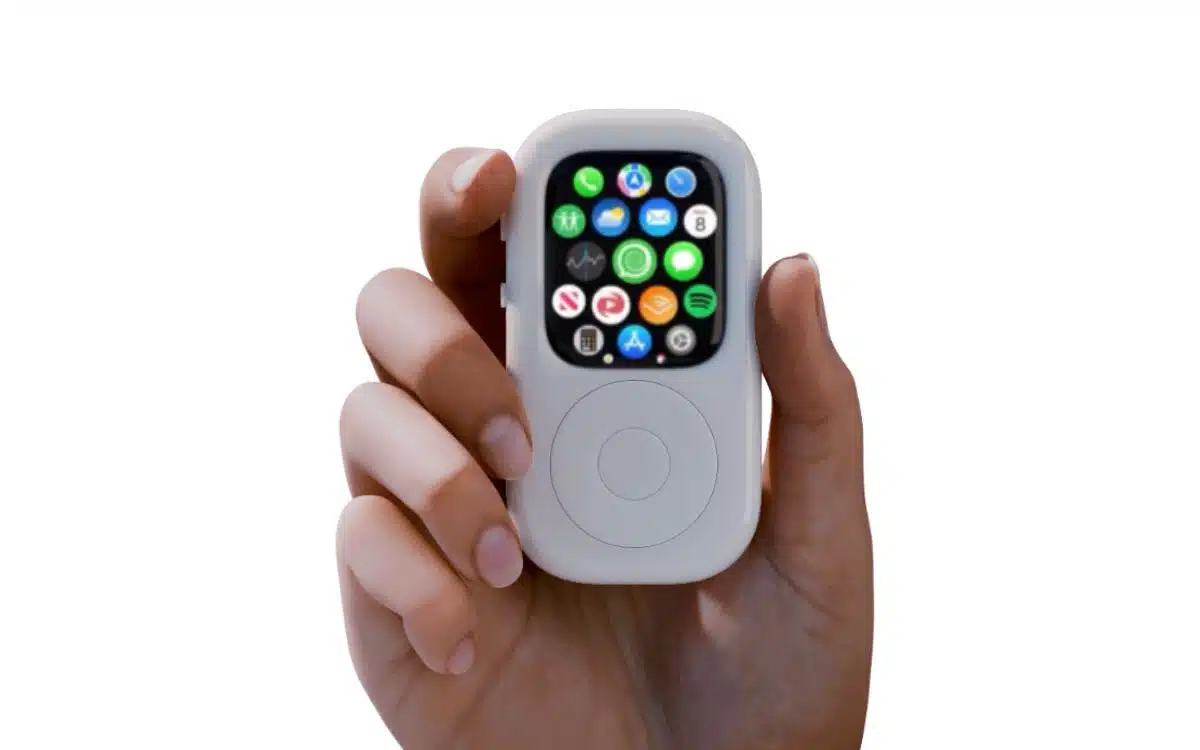
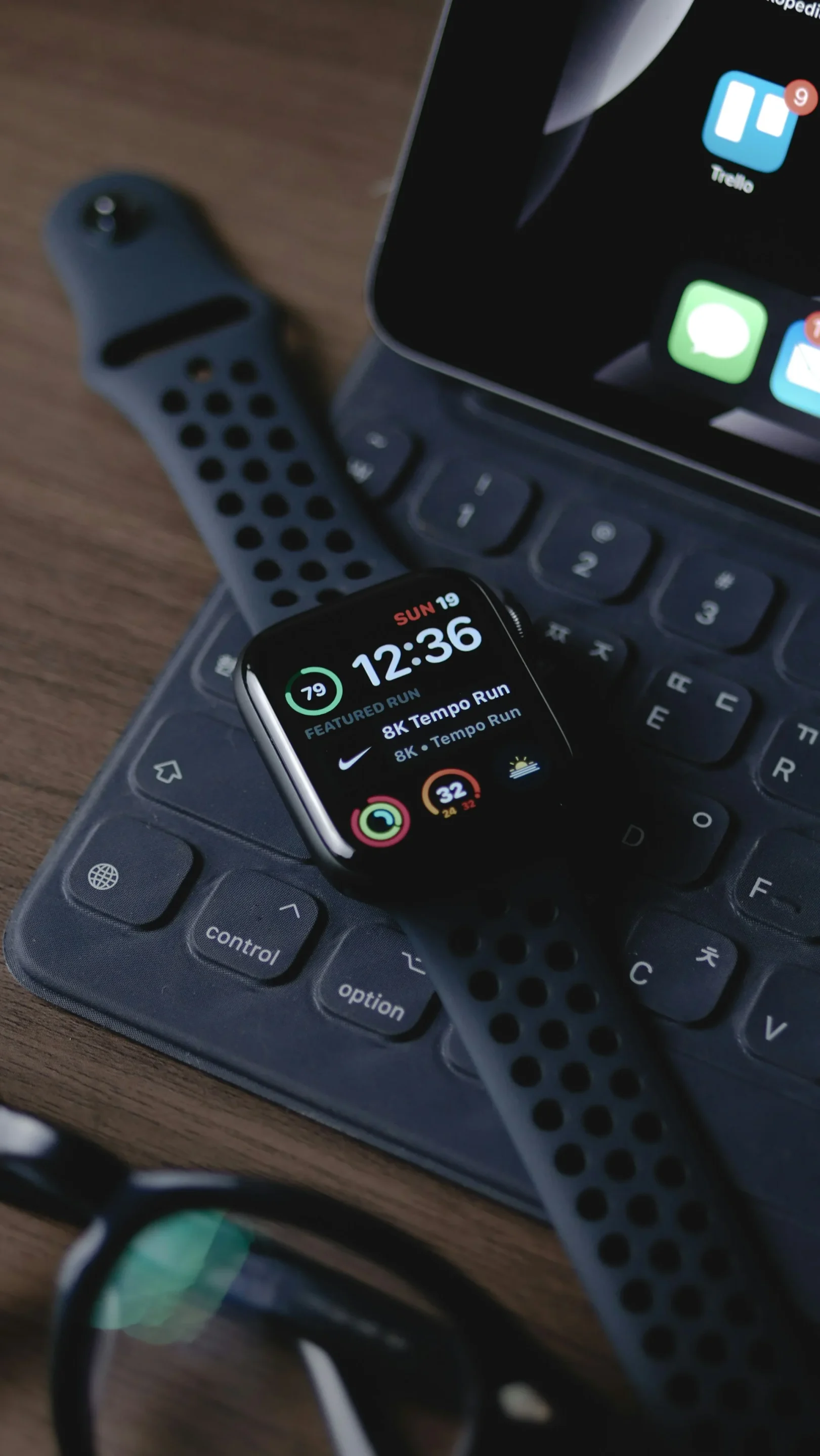
If you use an Apple Watch, Apple Health can show things like your steps, heart rate, resting heart rate, trends over time, and a bigger picture of how your body is doing day to day.
It can also work with third-party gear like smart scales, blood pressure monitors, sleep trackers, glucose monitors, and other health accessories, meaning your iPhone can become a surprisingly thorough personal dashboard.
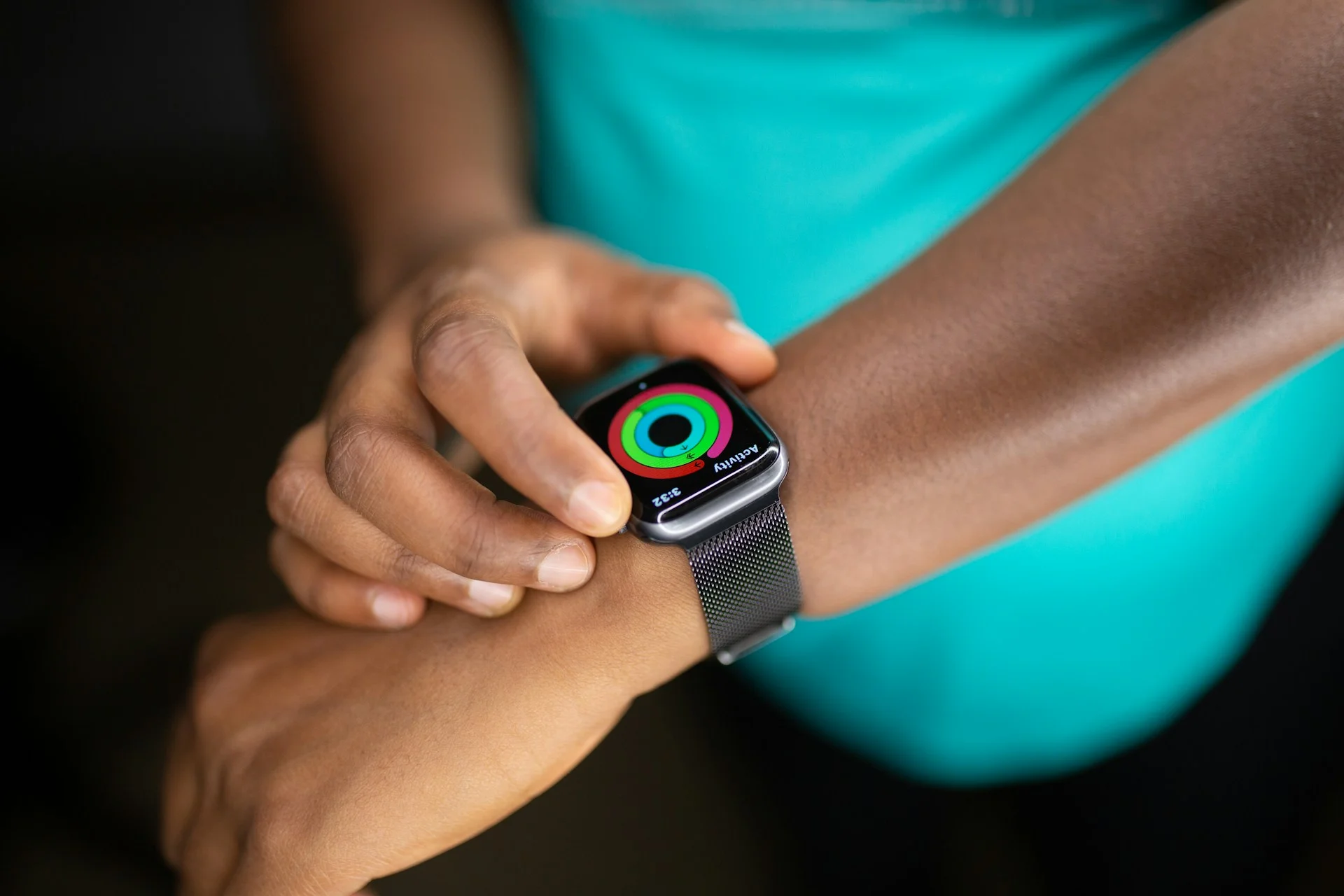
It gets even better when you start personalizing it.
You can rearrange the Health app layout so the stats you care about most are pinned right at the top, which makes the app much easier to check at a glance.
You can also manage which apps and devices are allowed to write data, which is a handy way to stop your health info from becoming a messy pile of duplicate numbers from too many sources.
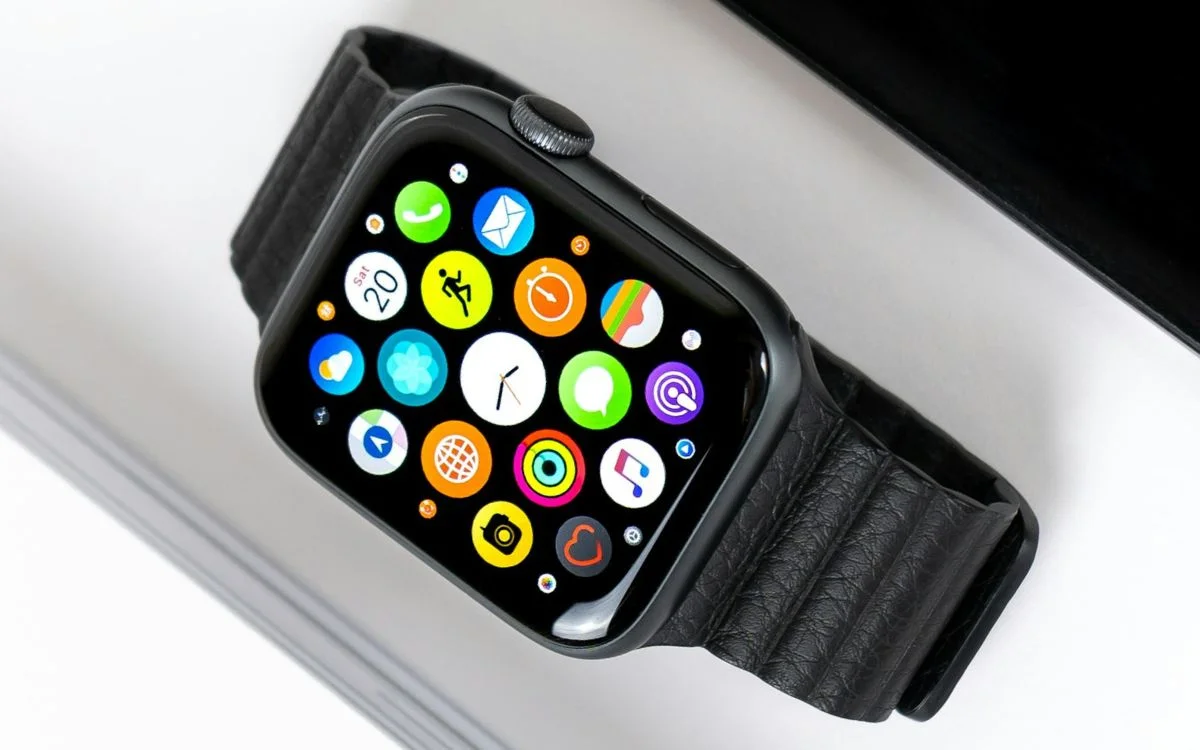
How to make the most of it
A big hidden advantage is that Apple Health can connect with medical records from participating doctors and hospitals, bringing together things like lab results, immunizations, allergies, conditions, and procedures in one place.
The app also surfaces Trends and Highlights automatically, so it can point out patterns like whether you are walking more, moving less, or falling behind your usual pace.
Then there are the features people really should not skip.
You can set up Medical ID so emergency information is available quickly, and you can use the Sharing tab to send selected health data to someone you trust or even to your doctor.
Add in compatible third-party apps for hydration, food tracking, caffeine, cardio, and more, and suddenly Apple Health stops being a background app and starts feeling like a genuinely smart life tool.
Daisy is a technology and automotive journalist covering artificial intelligence, consumer tech, Apple news, cryptocurrency, emerging technologies, and transportation innovation. Since joining the team in 2025, she has reported on everything from AI-powered startups and major iOS updates to viral car stories and the latest developments shaping transportation and the digital economy. Drawing on her background in automotive journalism and a degree in History and Journalism from Goldsmiths, University of London, Daisy specializes in breaking down complex topics into clear, engaging reporting for a global audience. Her work spans cutting-edge technology, innovative vehicles, and the people driving change across both industries. Daisy has gained first-hand access to some of the world's most talked-about technologies and innovators, including meeting Tesla's Optimus humanoid robot during its first European appearance in London. She has also discussed the future of space exploration with an astronaut, bringing unique insights and real-world perspectives to her coverage of emerging technology.




