These iOS 26 changes have made the Apple Passwords app the only password manager you need to use
Published on Mar 03, 2026 at 3:39 AM (UTC+4)
by Claire Reid
Last updated on Mar 03, 2026 at 9:20 PM (UTC+4)
Edited by
Mason Jones
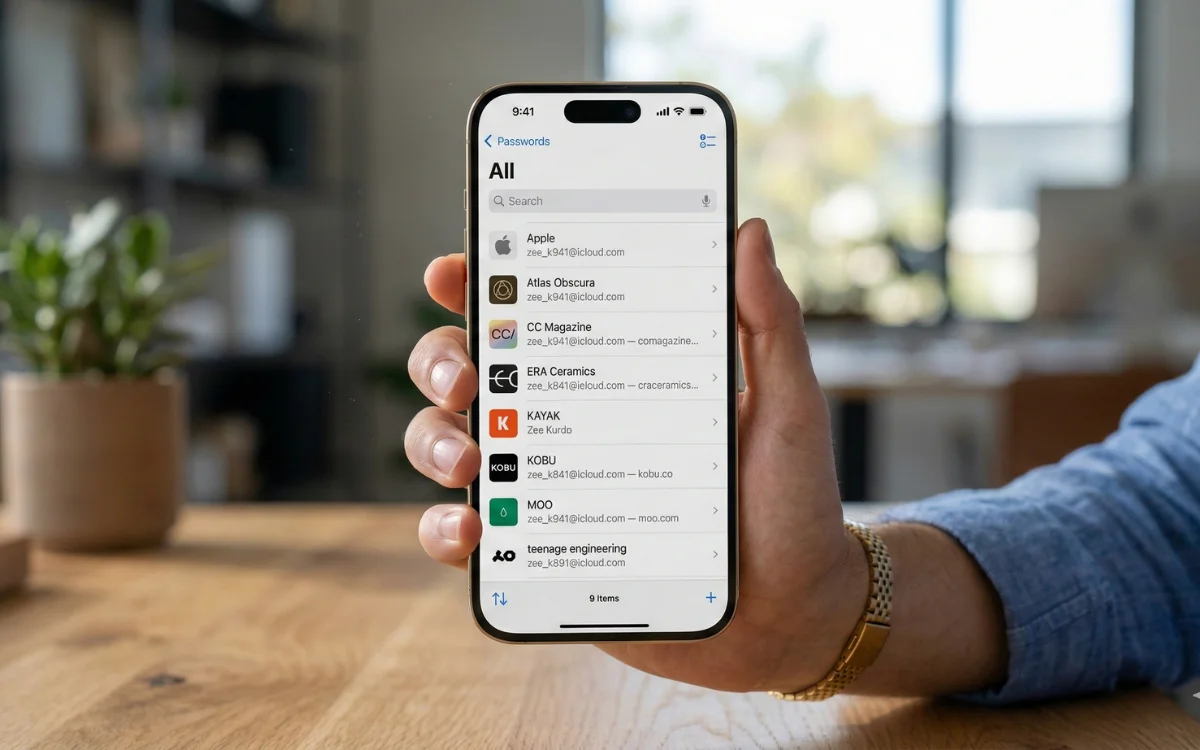

The latest iOS came with some very handy changes that mean Apple Passwords could be the only password manager you need.
Apple released iOS 26 back in September alongside the iPhone 17.
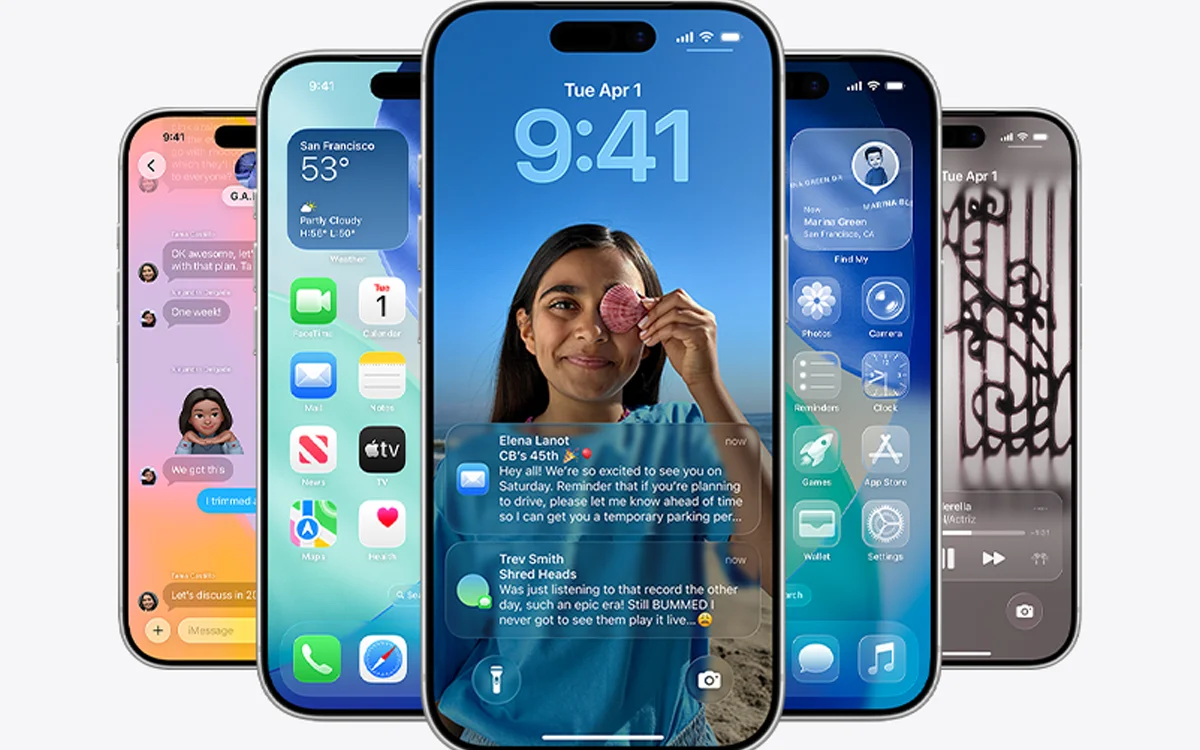
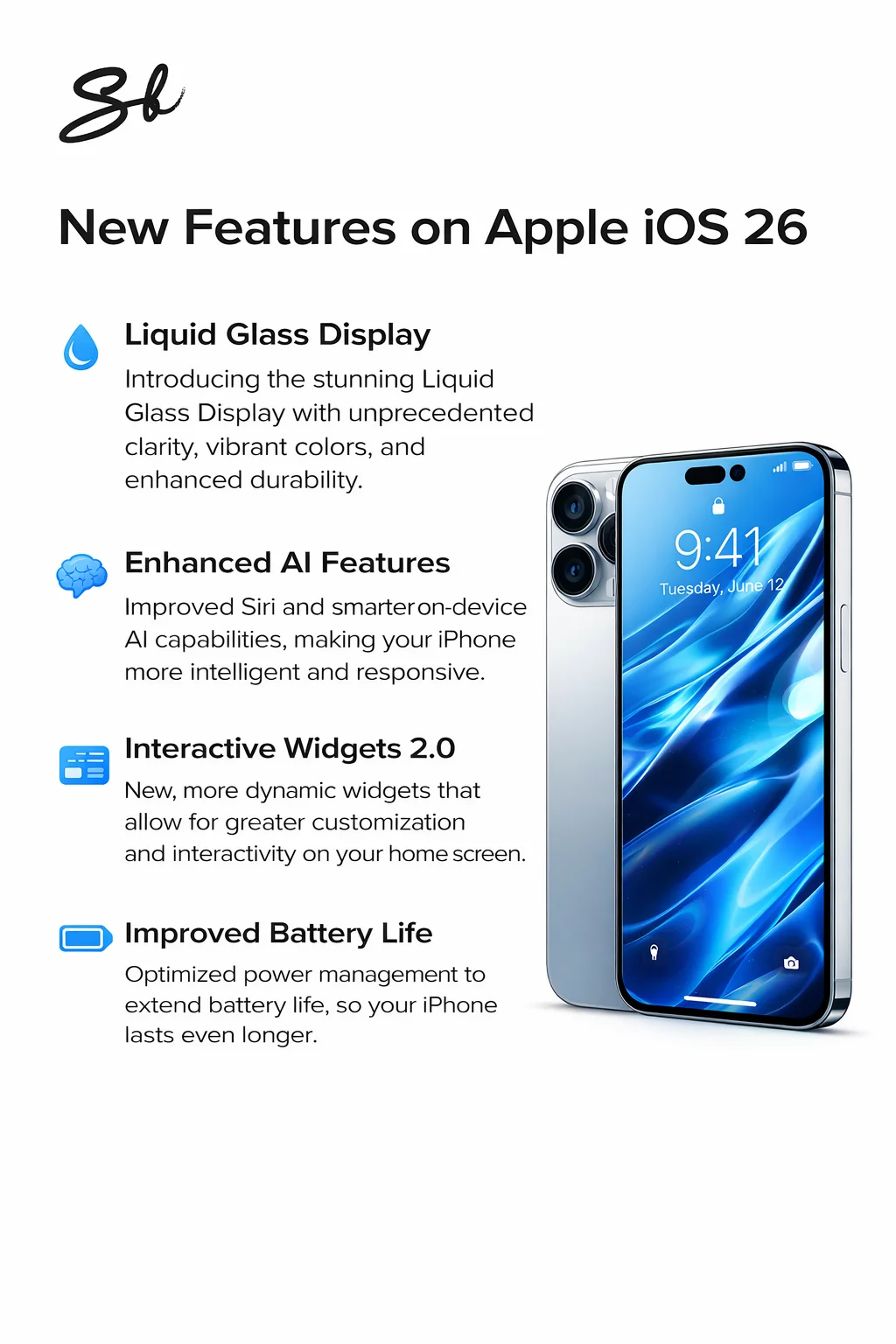
As ever, the new iOS came with a bunch of updates and upgraded features, including the new Liquid Glass display.
It also came with some big improvements to Apple Passwords that could make any third-party password managers a thing of the past.
DISCOVER SBX CARS – The global premium auction platform powered by Supercar Blondie
What’s new on iOS 26 that improves Apple Passwords?
Apple Passwords was introduced with iOS 18 and is a very useful bit of tech that allows you to safely store all your passwords in one place.
However, the app wasn’t perfect and was missing some key bits of functionality that meant a lot of folks still needed to use a second password manager as well.
Thankfully, 9to5Mac spotted some key changes in iOS 26 that have seriously improved how things work, and made Apple Passwords the only password manager you’ll need to bother with.
Apple Passwords has a lack of support for credit cards, but this has since been remedied, and you can now manually input your full credit card details into Apple Wallet – meaning if you want to take a peek at your information, you can simply open up the Wallet app and everything you need will be waiting for you.
Apple has also introduced a credit card option to its autofill menu for the first time, meaning you can access it without even needing to open up your Wallet.
And finally, the Apple Passwords app now provides a version history for all logins, which means if you accidentally end up overwriting a correct password with an incorrect one, you can still go in and find it.
Click the star icon next to supercarblondie.com in Google Search to stay ahead of the curve on the latest and greatest supercars, hypercars, and ground-breaking technology
The built-in Calendar app is also more useful than ever
The latest iOS has been packed with AI-powered features, which should make life easier for iPhone users – including one that the Calendar app has been in need of.
On older version of the operating system, if you took a screenshot, you’d see it show up as a small thumbnail in the corner, but on iOS 26, you’ll get a full screen view.
And this seemingly random update, is hiding a very neat little feature – because Apple’s ‘visual intelligence’ is now able to scan screenshots and recognize useful details, including calendar events.
So, if you take a screenshot that includes details of an event, such as a poster for a gig or an invite to a wedding, you’ll know see a little button at the bottom marked ‘Add to Calendar’.
Tap it, and your iPhone instantly reads the screenshot, identifies the event details, and creates a new Calendar entry for you and fills in the title, date, time, and even location automatically.
You get a quick preview, and if everything looks right, hit ‘Create Event’, and you’re done.
You can even use the same feature with third-party calendar apps, too.
Timeline of the Apple iPhone
2007: First generation is announced by Steve Jobs
2008: iPhone 3G is launched with 3G connectivity and the App store
2010: iPhone debuts with Retina Display and new glass/steel design
2011: Siri is introduced
2013: Touch ID is introduced with the 5S
2016: The headphone jack is removed with the 7 and 7 Plus
2017: Face ID is introduced
2020: iPhone 12 series introduces 5G
2024: The 16 series introduces enhanced on-device AI features and camera controls
2025: The iPhone 17 series lands with refined AI-driven features, improve battery efficiency, and a new Liquid Glass display
DISCOVER SBX CARS: The global premium car auction platform powered by Supercar Blondie
With a background in both local and national press in the UK, Claire has covered a range of topics, including technology, gaming, and cryptocurrency, since joining the editorial team at Supercar Blondie in May 2024. Her ability to be first to a story has been integral to making SB’s coverage of scientific discovery, AI, and global tech news a slick 24/7 operation.