These are some clever tricks you can do with your iPad that you didn't know were possible
Published on Mar 02, 2026 at 4:27 PM (UTC+4)
by Daisy Edwards
Last updated on Mar 02, 2026 at 4:27 PM (UTC+4)
Edited by
Mason Jones
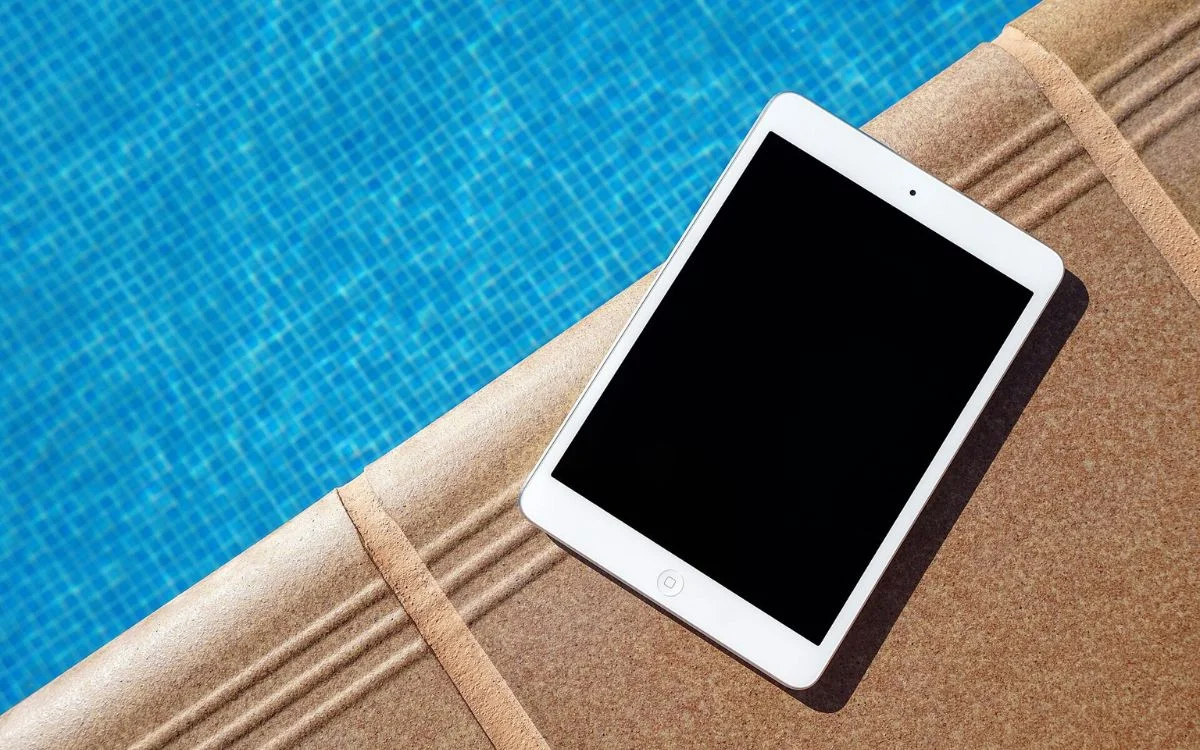

These are some tricks you can do with your iPad that you may not know about.
If you have ever thought of the iPad as just a bigger iPhone, these hidden features are about to change your mind.
A few taps and swipes can turn it into a mini productivity powerhouse for files, multitasking, and super-fast note-taking.
The best part is that most of these tools are already built in, you just need to know where to find them.
EXPLORE SBX CARS – Supercar auctions starting soon powered by Supercar Blondie
Clever tricks you can do with your iPad
Apple’s iPad is the most versatile of all the gadgets, but are you truly using it to its full potential?
Here are some hacks that will help you when you next boot up your iPad.
First up is a seriously useful Files app feature that lets you merge multiple files into a single PDF.
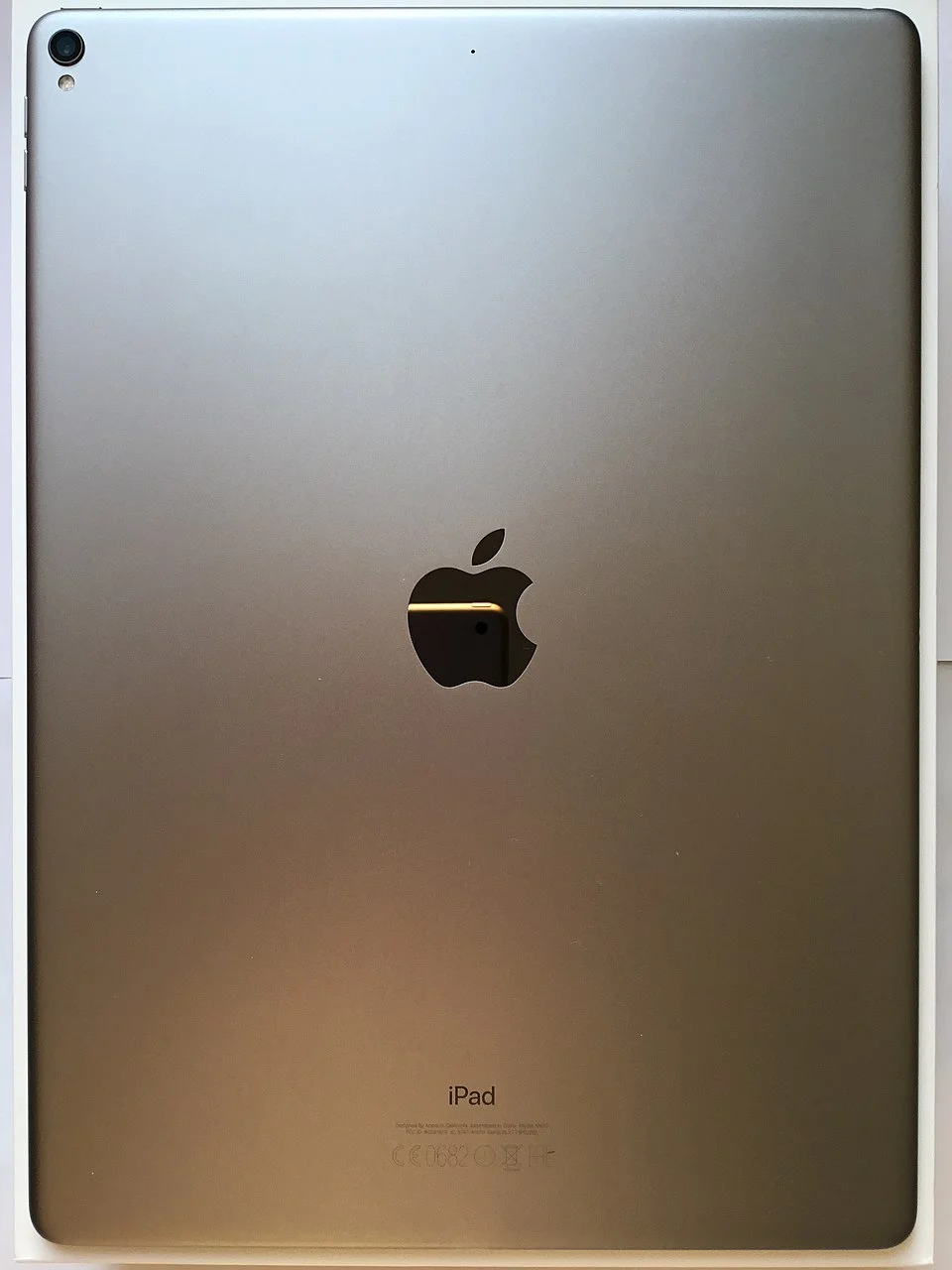
If you have a bunch of images, documents, or screenshots you want to send as one neat attachment, just open Files, tap Select, choose your items, hit the three dot menu, go to Quick Actions, and tap Create PDF.
Your brand new combined PDF will appear in the same folder, ready to share in seconds.
Another clever move is pinning folders directly to your Dock.
If you constantly dive into the same work folder or photo directory, you can press and hold the folder in the Files app and add it to the Dock for instant access.
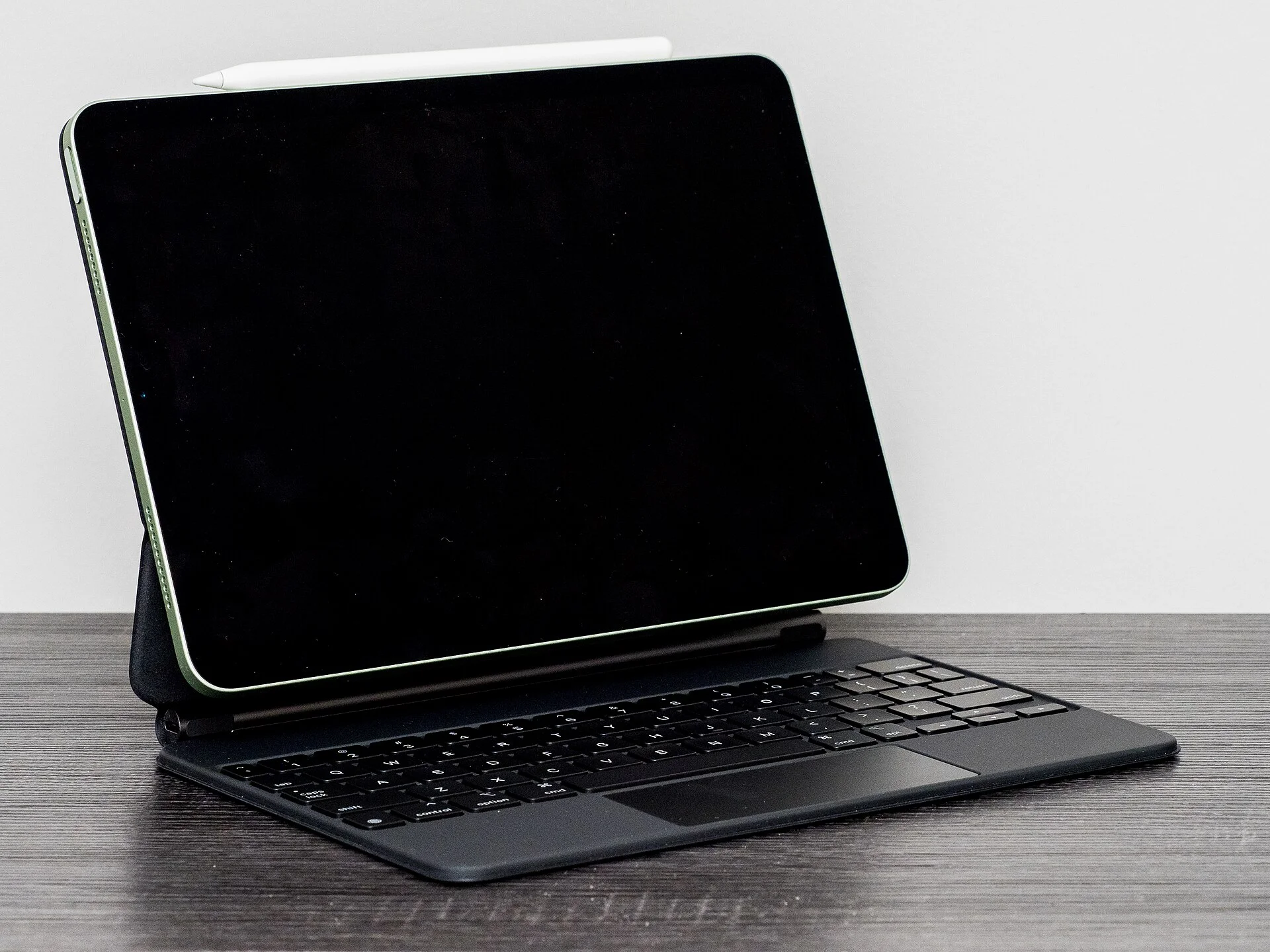
It makes your iPad feel much more like a traditional computer and saves you from endless tapping through menus.
You can also switch the Files app to List view and customize the columns so you can see file size, type, date, and tags at a glance.
It is a small tweak, but it makes organizing and managing documents way easier.
Click the star icon next to supercarblondie.com in Google Search to stay ahead of the curve on the latest and greatest supercars, hypercars, and ground-breaking technology
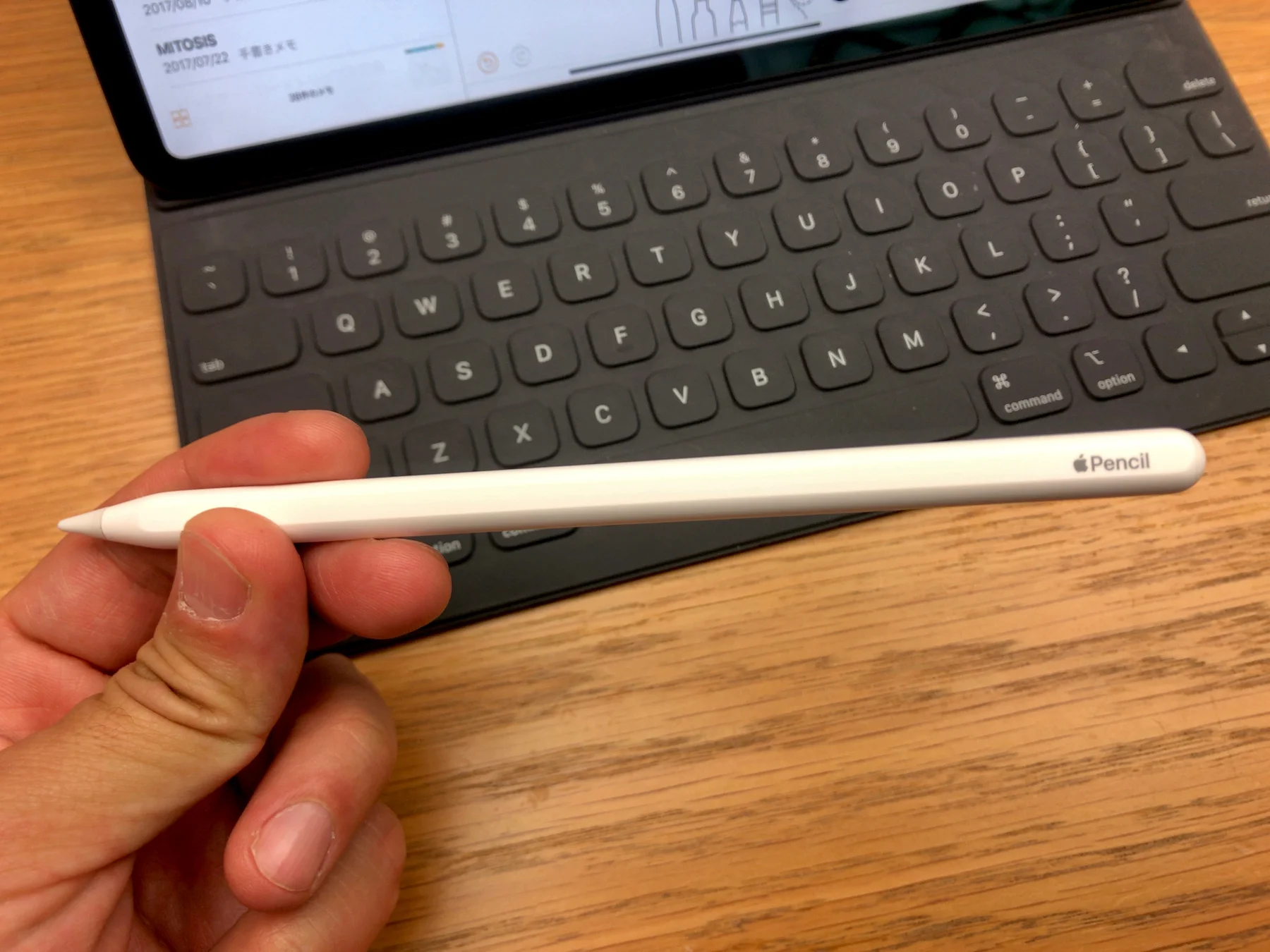
iPad and Apple Pencil – a match made in heaven
If you use Apple Pencil, you can tap the Lock Screen to instantly open a Quick Note and start writing.
Even without the Pencil, you can swipe up from the bottom right corner to bring up a note in seconds and it is perfect for capturing ideas before they vanish.
And finally, you can open two windows of the same app side by side.
Long press an app like Safari and choose New Window, then repeat the process to create a second one.
Whether you are comparing websites or dragging content between pages, these clever tricks turn your iPad into a multitasking beast.
DISCOVER SBX CARS: The global premium car auction platform powered by Supercar Blondie