All the new iPhone lock screen features you might have missed since iOS 26 dropped
Published on Apr 04, 2026 at 10:34 PM (UTC-4)
by Daisy Edwards
Last updated on Apr 07, 2026 at 12:43 PM (UTC-4)
Edited by
Emma Matthews
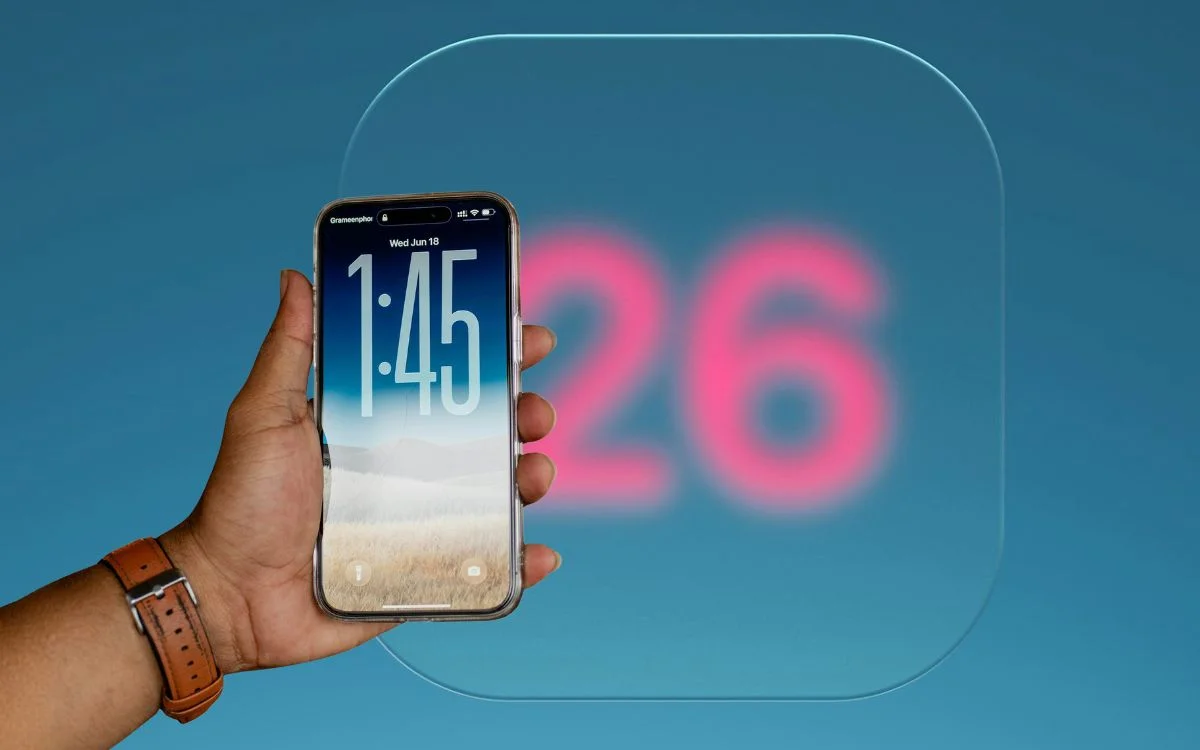

People have had mixed feelings about the new iPhone update, iOS 26, but in all of this excitement – or hatred – you might have missed these new iPhone lock screen features.
While most people focused on the bigger AI headlines, Apple also gave the lock screen a surprisingly flashy makeover with smarter photo handling, a more dynamic clock, and a fresh 3D effect.
It means the first thing you see every time you pick up your iPhone now feels a lot more alive.
And if you haven’t properly played around with it yet, there is a good chance you’re missing some of the coolest bits.
Click the star icon next to supercarblondie.com in Google Search to stay ahead of the curve on the latest and greatest supercars, hypercars, and ground-breaking technology
All the new iPhone lock screen features you might have missed
One of the biggest gadget changes in iOS 26 is that the lock screen clock now adapts itself around your wallpaper photo, helping keep the subject in view instead of awkwardly covering it up.
Apple also introduced a new 3D effect that makes lock screen images feel more immersive when you move your iPhone, which gives the whole thing a much more futuristic vibe.
It’s one of those upgrades that sounds small on paper, but in practice makes older lock screens suddenly feel a bit flat.
If you love customizing your iPhone, this is probably the first thing worth trying out.
iOS 26 lets your creative juices flow
These changes are tied to Apple’s wider Liquid Glass redesign, which brought a more transparent, layered look across iOS 26 and made the lock screen feel more animated than before.
The lock screen refresh isn’t just about looks either, because it helps Apple make the iPhone feel more personal at a glance without needing to dig through settings menus or widgets.
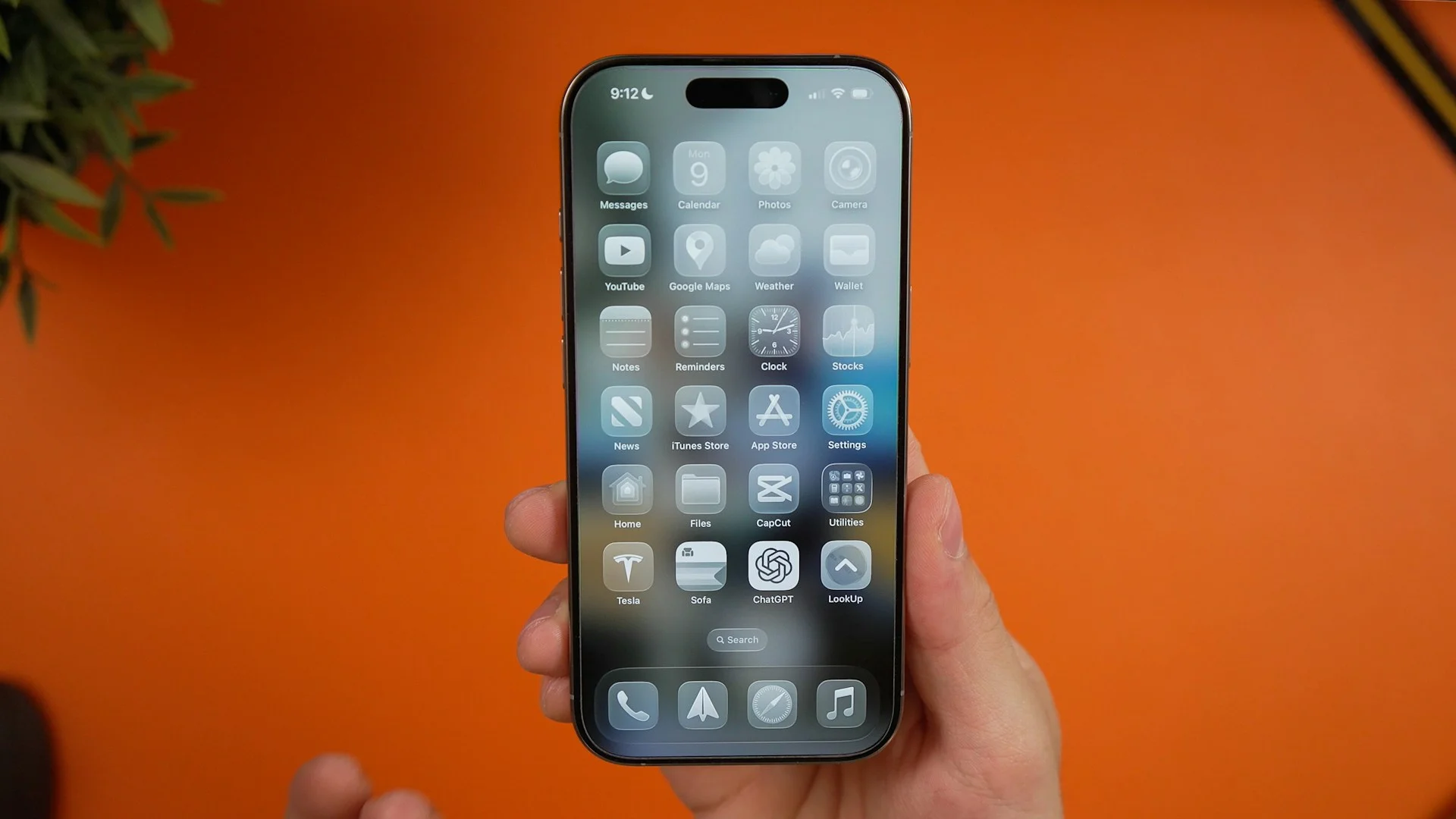
That is probably why so many people overlooked these upgrades at first, since they are subtle enough to blend into daily use rather than scream for attention.
But once you notice the shifting clock, the added depth, and the smarter way photos are framed, it becomes pretty obvious that Apple wanted the lock screen to feel less static and a lot more alive.
Daisy is a technology and automotive journalist covering artificial intelligence, consumer tech, Apple news, cryptocurrency, emerging technologies, and transportation innovation. Since joining the team in 2025, she has reported on everything from AI-powered startups and major iOS updates to viral car stories and the latest developments shaping transportation and the digital economy. Drawing on her background in automotive journalism and a degree in History and Journalism from Goldsmiths, University of London, Daisy specializes in breaking down complex topics into clear, engaging reporting for a global audience. Her work spans cutting-edge technology, innovative vehicles, and the people driving change across both industries. Daisy has gained first-hand access to some of the world's most talked-about technologies and innovators, including meeting Tesla's Optimus humanoid robot during its first European appearance in London. She has also discussed the future of space exploration with an astronaut, bringing unique insights and real-world perspectives to her coverage of emerging technology.




