These are the new things your iPhone can do thanks to the iOS 26.2 update
Published on Mar 10, 2026 at 9:12 AM (UTC-4)
by Daisy Edwards
Last updated on Mar 10, 2026 at 1:27 PM (UTC-4)
Edited by
Emma Matthews
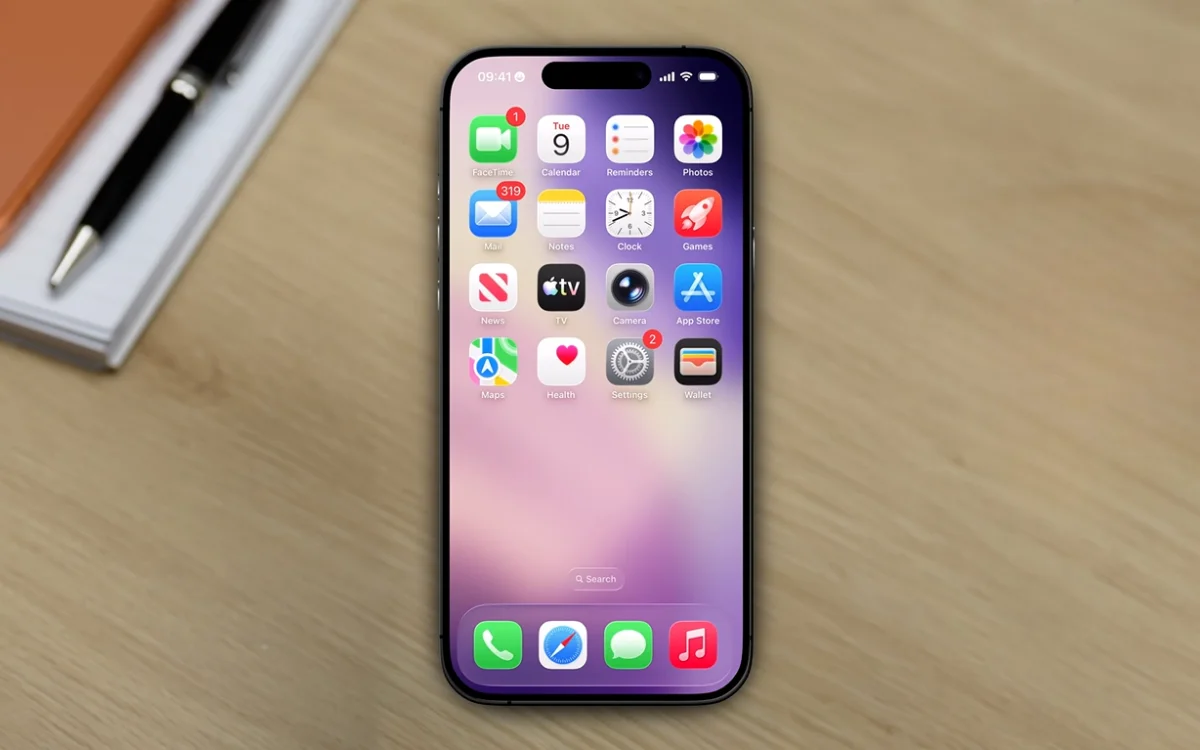

These are the new things your iPhone can do thanks to the iOS 26.2 update, and some of them are seriously useful.
Apple’s latest software release is packed with clever little upgrades that could make everyday iPhone use a whole lot smoother.
From smarter reminders to easier file sharing, this update focuses on practical features rather than flashy gimmicks.
And while some changes are small, a few of them could quickly become things you use every single day.
Click the star icon next to supercarblondie.com in Google Search to stay ahead of the curve on the latest and greatest supercars, hypercars, and ground-breaking technology
These are the new things your iPhone can do with the iOS 26.2 update
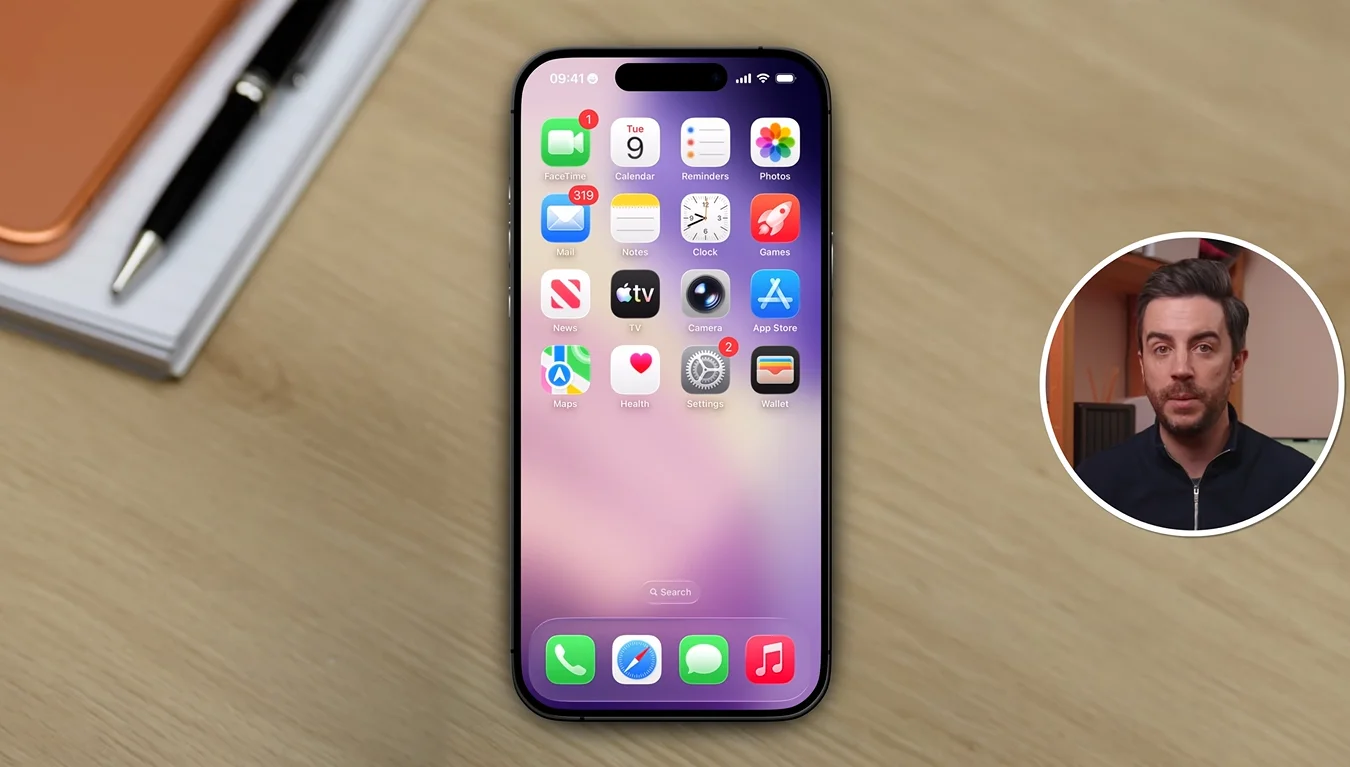
Tech fans will be pleased to know that iOS 26.2 has hit our new Apple gadgets, and a YouTuber decided to show off what you should be doing to make the most of the upgrade on his channel Proper Honest Tech.
One of the standout additions in the iOS 26.2 upgrade is the new ‘Urgent’ option in the Reminders app.
Instead of a normal notification, urgent reminders now trigger a full alarm-style alert, making it much harder to ignore something important.
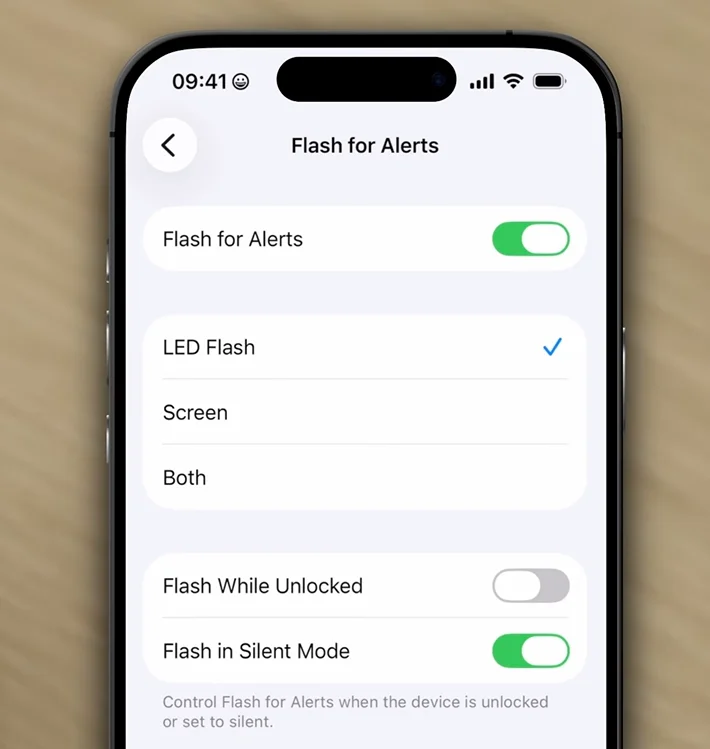
It is a simple tweak, but a very smart one for anyone who needs a proper nudge to get things done on time.
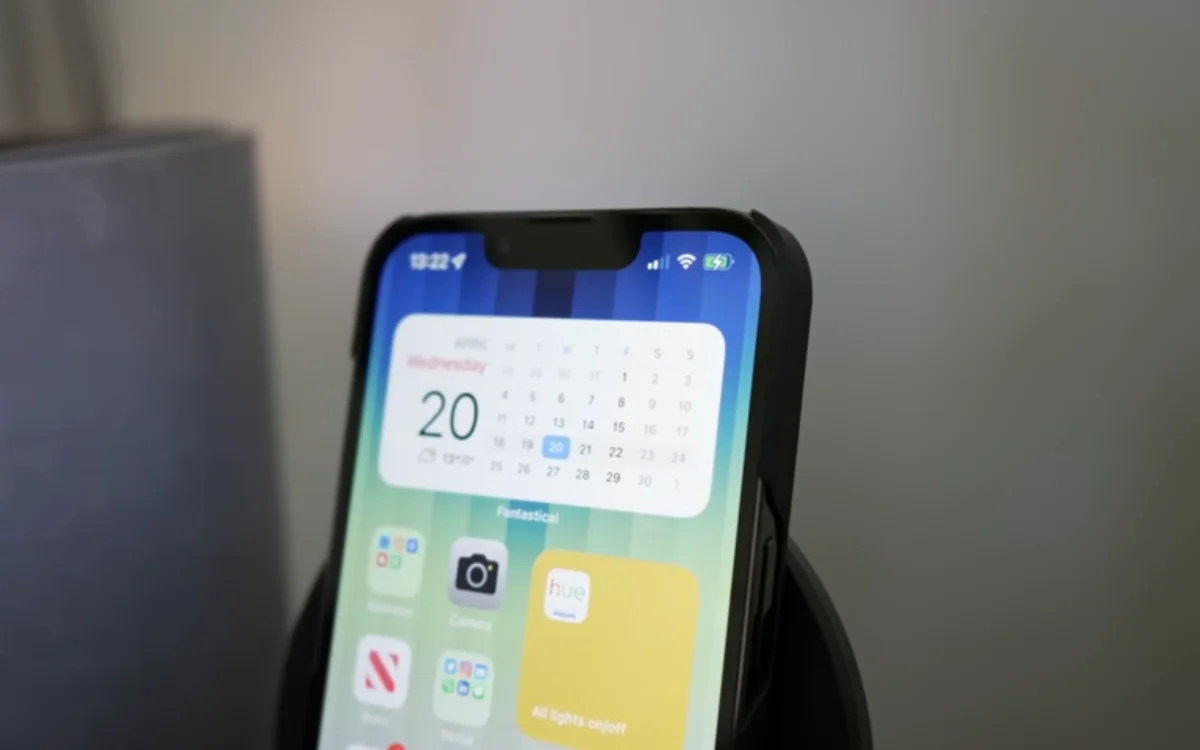
Apple has also improved the lock screen by letting users fine-tune the liquid glass effect on the clock.
You can now adjust the transparency to get the exact look you want, which adds a bit more personality to your iPhone.
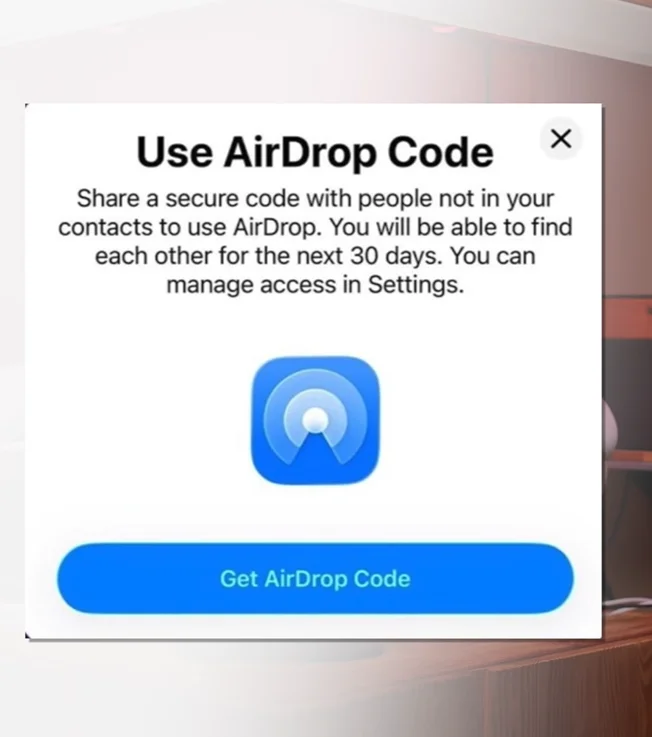
AirDrop is getting a handy upgrade, too.
You can now share files with someone who is not in your contacts for up to 30 days by using a six-digit code, which means no more awkwardly adding someone’s details just to send them a photo or document.
Related
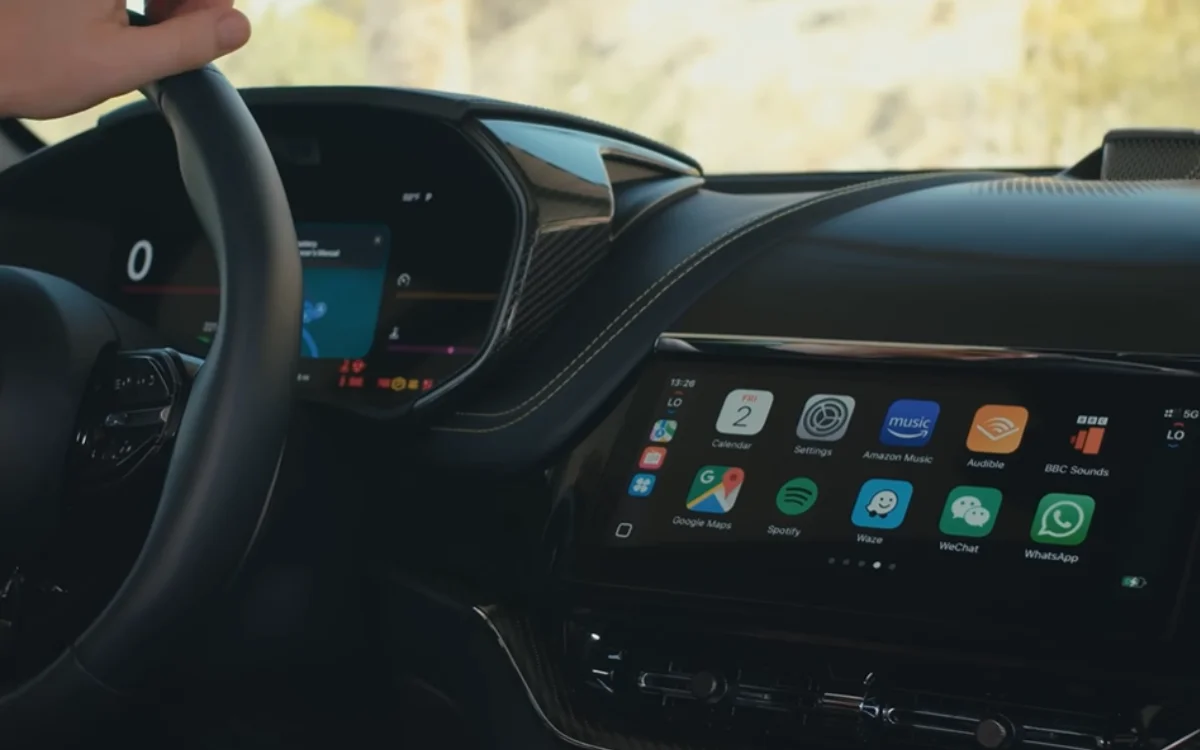
Enjoy your music, podcasts, and apps
The Podcasts app is getting one of the biggest boosts in this update. Apple is introducing automatically generated chapters, so even podcasts without creator-added chapters can now be skipped through more easily.
There is also a new feature that links mentions in episodes to things like Apple Music tracks, Apple TV shows, and news articles.
Apple Music is becoming more useful offline as well, because downloaded songs now come with lyrics too.
That is a small change that will be very welcome for anyone listening on a flight or without a signal, so you can do karaoke on the go.
Elsewhere, the Passwords app now lets users manage websites they previously excluded from saving login details, Freeform has added tables, and Apple News now surfaces category shortcuts like sport, entertainment, business, and food more prominently.
There are even reports that users in Japan can change which voice assistant is tied to the side button, which could be a sign of even bigger Siri-related changes still to come.
Daisy is a technology and automotive journalist covering artificial intelligence, consumer tech, Apple news, cryptocurrency, emerging technologies, and transportation innovation. Since joining the team in 2025, she has reported on everything from AI-powered startups and major iOS updates to viral car stories and the latest developments shaping transportation and the digital economy. Drawing on her background in automotive journalism and a degree in History and Journalism from Goldsmiths, University of London, Daisy specializes in breaking down complex topics into clear, engaging reporting for a global audience. Her work spans cutting-edge technology, innovative vehicles, and the people driving change across both industries. Daisy has gained first-hand access to some of the world's most talked-about technologies and innovators, including meeting Tesla's Optimus humanoid robot during its first European appearance in London. She has also discussed the future of space exploration with an astronaut, bringing unique insights and real-world perspectives to her coverage of emerging technology.




