Your Toyota might now unlock with your iPhone as Apple car key support rolls out
Published on Feb 19, 2026 at 9:43 AM (UTC+4)
by Claire Reid
Last updated on Feb 19, 2026 at 9:43 AM (UTC+4)
Edited by
Claire Reid
Life could be about to get a bit easier for Toyota owners, with support rolling out for digital car keys that are held in your iPhone’s Apple Wallet.
Apple announced its game-changing digital car key back in 2020, which allows iPhone users to open their car doors without the need for a physical key.
Several carmakers have introduced the smart feature, including BMW, Audi, and GMC.
And it seems Toyota is the latest marque to sign up, with one 2026 RAV4 Woodland owner confirming the feature is already active on his car.
DISCOVER SBX CARS – The global premium auction platform powered by Supercar Blondie
Toyota is the latest marque to add the new Apple Wallet feature
The Apple car keys feature works using Near Field Communication (NFC) technology that turns your iPhone or Apple Watch into a smart and secure way of unlocking, locking, and starting your car.
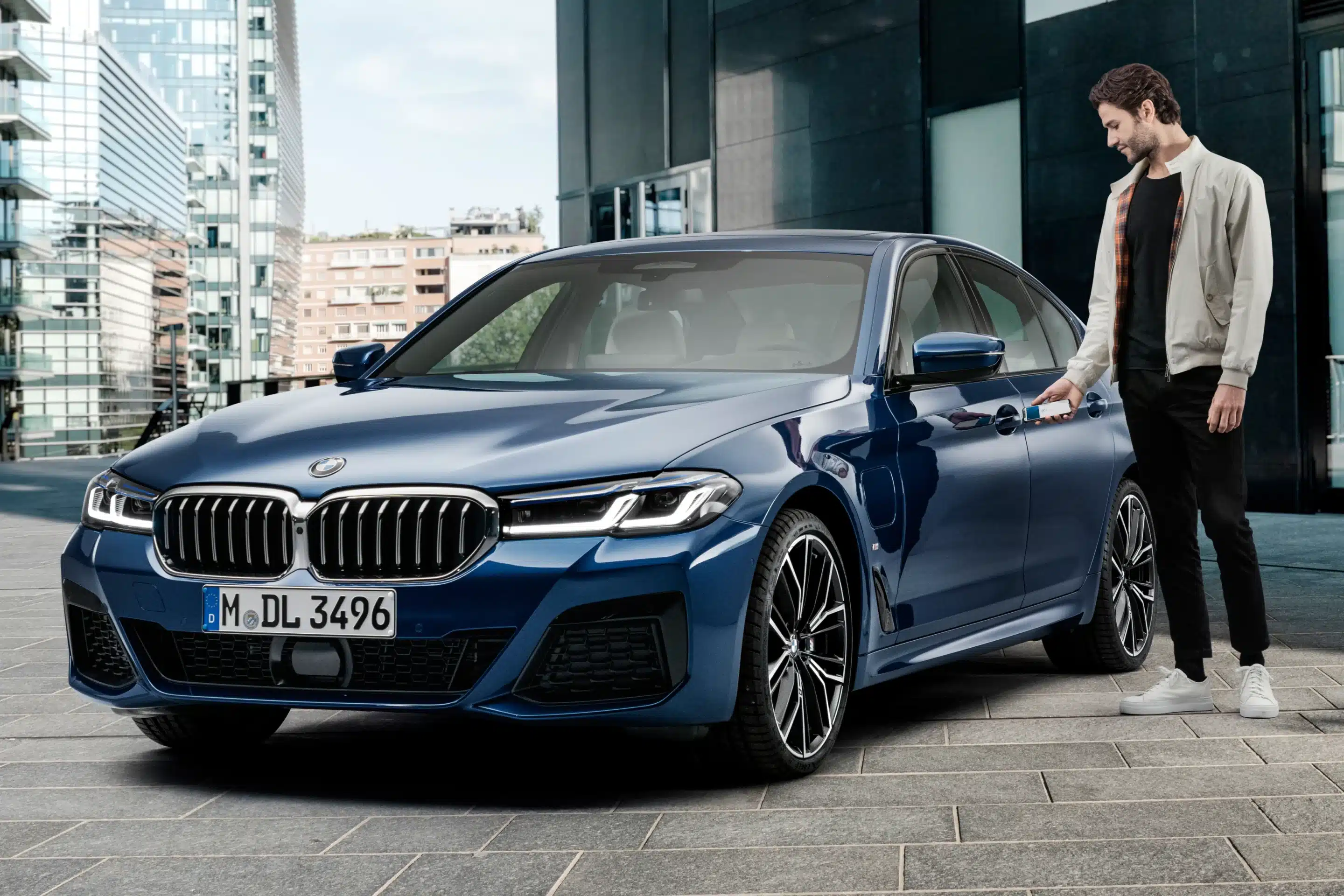
Apple initially introduced the feature exclusively with BWM, before rolling out to other makes and models, including the Audi A6 Avant e-tron.
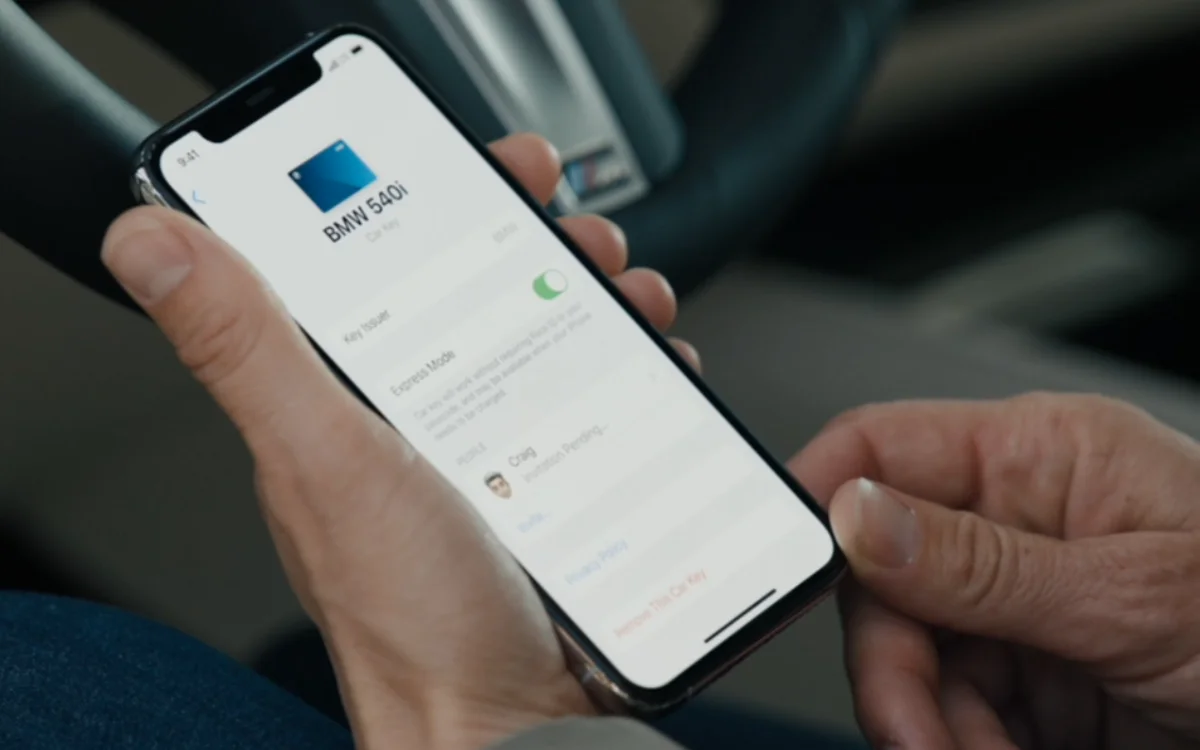
Alongside a compatible car, to use the feature, you’ll need an iPhone 11 or newer, with the latest version of iOS, or Apple Watch Series 6 or later, with the latest version of watchOS.
How it works depends on your car’s manufacturer, but Apple explains it is offered as either:
Passive entry: unlocks your door as you approach your car, starts it once inside, and locks it again when you walk away.
Proximity entry: locks, unlocks, and starts your car by holding your iPhone close to the handle or key reader.
Remote entry: your device can remotely lock and unlock your car, and use other features.
Last July, Apple announced 13 new marques were getting the digital keys, including Rivian, Chevrolet, Porsche, and Lucid Motors.
And it seems as though Toyota has also joined the line-up.
A 2026 RAV4 Woodland owner shared on Reddit that the feature was already available on his car and posted a screenshot of his digital key.
“I approach the car without keys and phone in my pocket, then it opens automatically when I put my hand on the door, then starts up inside with the phone still in my pocket,” he wrote.
Click the star icon next to supercarblondie.com in Google Search to stay ahead of the curve on the latest and greatest supercars, hypercars, and ground-breaking technology
Here’s how to add your car key to your iPhone’s wallet
As long as you have a compatible vehicle and iPhone or Apple Watch, setting up the feature is pretty straightforward.
To add the key, you will typically go through your car manufacturer’s iPhone app or the car’s infotainment screen.
You might be asked to place the top of your iPhone near the car’s key reader to help them securely pair.
Once the key is added to your Apple Wallet on your iPhone, it should automatically sync with your Apple Watch, too.
If that isn’t the case, you can add it manually by opening the Apple Watch app on your iPhone, tapping Wallet and Apple Pay, then tapping Add next to your car key.
And that’s it – you’re all done, and you never have to worry about losing your car keys again.
DISCOVER SBX CARS: The global premium car auction platform powered by Supercar Blondie
With a background in both local and national press in the UK, Claire moved to New Zealand before joining the editorial team at Supercar Blondie in May 2024. As a Senior Content Writer working on New Zealand Standard Time (NZST), Claire was the first writer on the team to make the site’s output a slick 24/7 operation covering the latest in automotive news.