Expert explains why you need to switch off your iPhone at least once a week
Published on Jan 10, 2026 at 5:30 PM (UTC+4)
by Daisy Edwards
Last updated on Jan 09, 2026 at 5:46 PM (UTC+4)
Edited by
Kate Bain
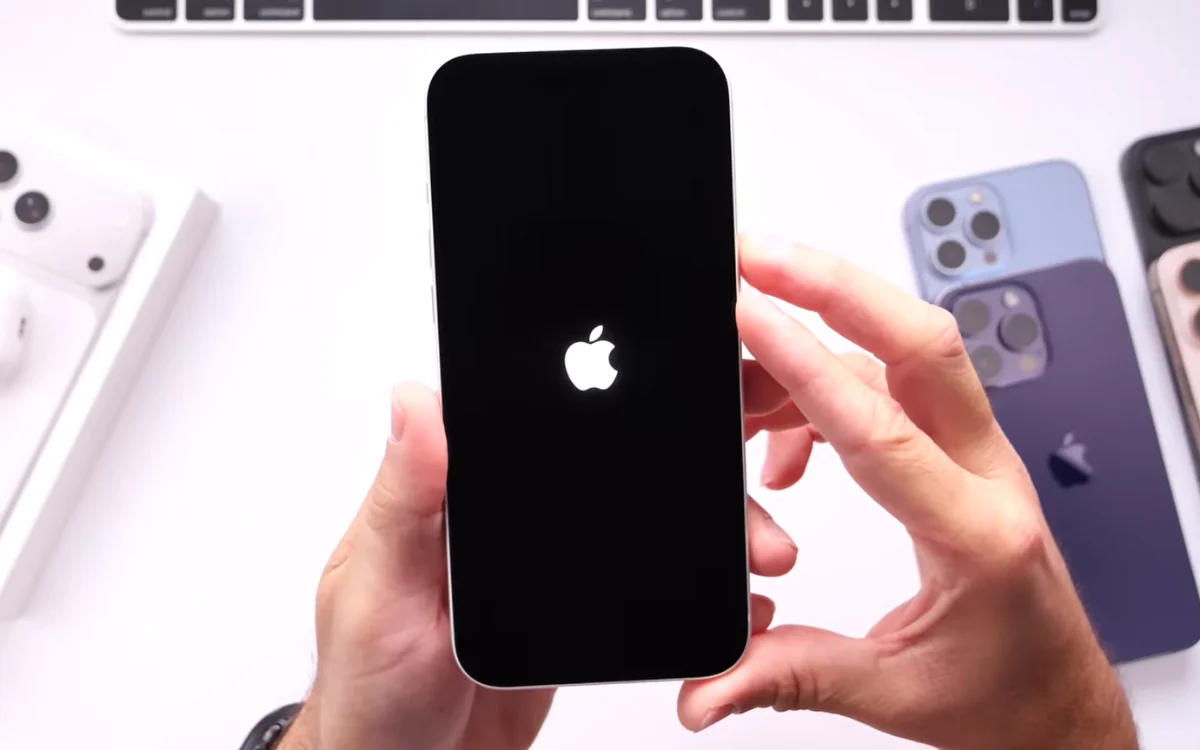

This tech expert warns you should be switching off your phone for five minutes each week, revealing you’re putting your phone at risk of performance and security issues if you don’t.
According to the explanation, powering down your iPhone completely for around five minutes can help reduce lag, fix odd glitches, and even stop battery drain.
It can also interrupt background activity that may be sneakily slowing your phone down.
He said there were even more benefits to the 5-minute shut down, and went into detail.
EXPLORE SBX CARS – Supercar auctions starting soon powered by Supercar Blondie
Why you should switch off your phone for 5 minutes every week
If your iPhone has been feeling sluggish, and it’s been overheating or draining battery faster than normal, according to this tech expert, switching it off could be the simplest fix.
The expert’s recommendation is to fully power the iPhone down once a week for at least five minutes.
The idea is that shutting it off forces the system to pause background processes and refresh, which can help reduce performance bugs that build up over time.

The regular shutdown method is simple.
For iPhone users, you press and hold the side button and a volume button together until the power-off slider appears, then slide to turn the phone off, and then after waiting a few minutes, you power it back on.
This is not just about speed; the expert also claims this weekly shutdown habit can improve security.

He says shutting it off potentially disrupts unwanted activity if something suspicious has been running in the background without you noticing.
Is your phone still sluggish? Try this
The expert then revealed there were two stronger restart methods for when a normal shutdowns weren’t enough.
If your iPhone is running hot, lagging, or draining battery heavily, a hard restart can help.
This is how.
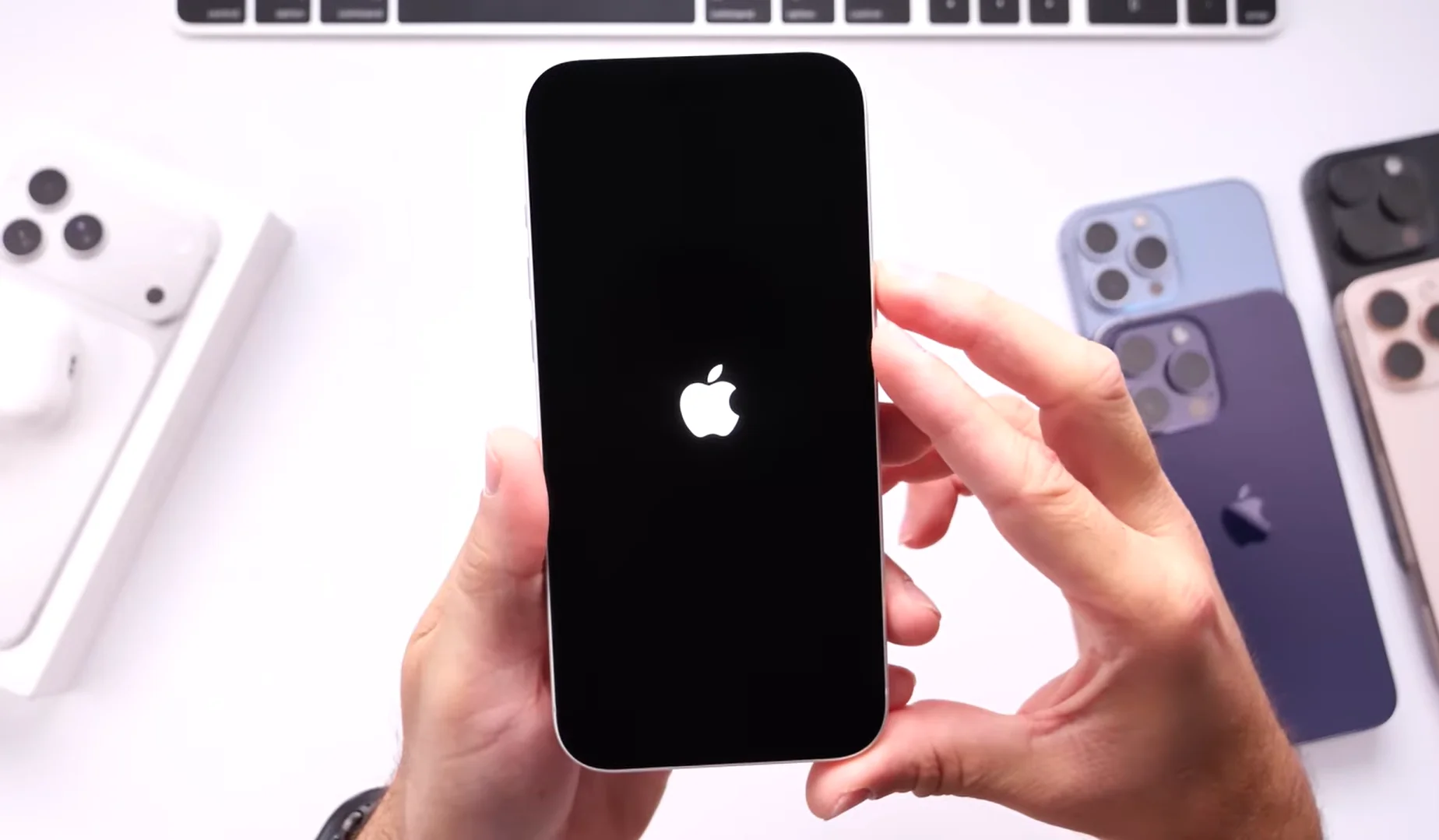
It involves pressing volume up, pressing volume down, then holding the side button until the shutdown slider appears.
The goal is to cut off lingering processes and reset things more aggressively once you reboot.
If your iPhone is completely frozen and unresponsive, the hard reboot method is your best option.

You press volume up, press volume down, then hold the side button until the Apple logo appears. This forces the device to restart even if the screen is not responding.
The main takeaway is simple: switching off your iPhone weekly is a low-effort routine to get into to keep it running smoother and help you avoid any security issues.
DISCOVER SBX CARS: The global premium car auction platform powered by Supercar Blondie