Your MacBook has a built-in 80 percent charging limit but this is how you can have full control over it
Published on Mar 16, 2026 at 9:36 PM (UTC+4)
by Daisy Edwards
Last updated on Mar 16, 2026 at 9:36 PM (UTC+4)
Edited by
Emma Matthews
Did you know that your MacBook has a built-in 80 percent charging limit, but you can take back control of it?
Plenty of Apple users think something is wrong when their battery stops at 80 percent, but that pause is actually a feature designed to help the battery last longer.
Apple’s Optimized Battery Charging learns your routine and can delay charging past 80 percent when it expects your laptop to stay plugged in for a while.
That means your MacBook is already trying to protect itself without you needing to do anything.
Click the star icon next to supercarblondie.com in Google Search to stay ahead of the curve on the latest and greatest supercars, hypercars, and ground-breaking technology
Your MacBook has a built-in 80 percent charging limit for a reason
This piece of tech information could seem annoying, but the idea is to reduce the amount of time the battery spends sitting at 100 percent.
This is because lithium-ion batteries can wear down faster when they stay fully topped up for long periods.
The feature is part of Apple’s Optimized Battery Charging system, which is designed to extend the life of lithium-ion batteries.
Batteries naturally degrade faster when they sit fully charged for long periods of time, especially if a MacBook spends most of its life plugged into a desk setup.
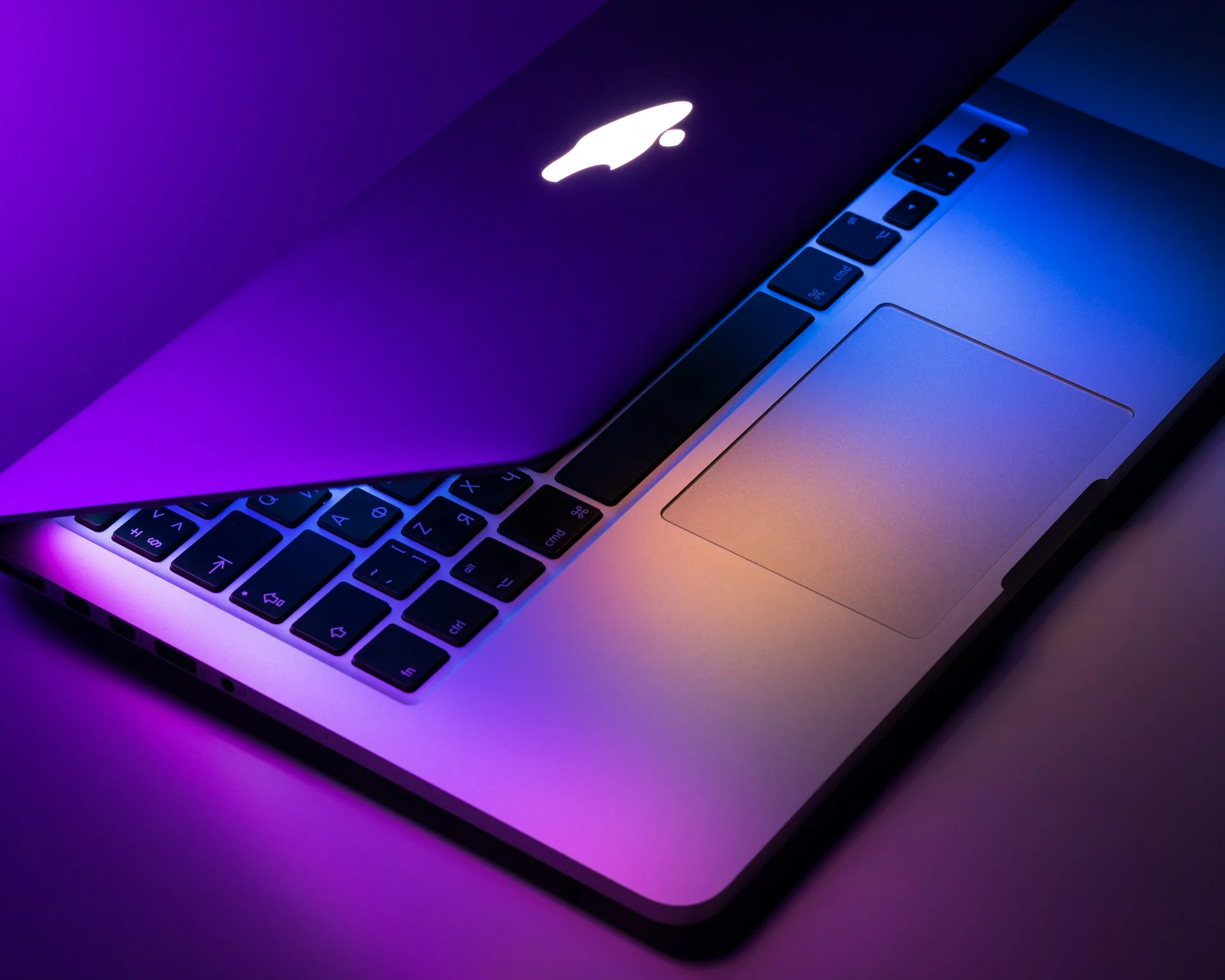
To help reduce this strain, macOS can pause charging at around 80 percent if it predicts your MacBook will stay connected to power for a while.
The system learns your habits over time.
For example, if you normally unplug your laptop every morning, macOS may hold the charge at 80 percent overnight and then finish charging to 100 percent shortly before you start using it.
So if your MacBook occasionally stops charging at 80 percent, it is not a fault. It is actually working exactly as Apple designed it to.

This is how you can have full control over it
Even though Apple’s system is smart, it is not fully manual. You cannot simply set a permanent charging cap inside macOS whenever you want.
However, you can still override the feature whenever you need a full battery.
If your MacBook is paused at 80 percent, clicking the battery icon in the menu bar will give you the option to tell the laptop to charge to 100 percent immediately.
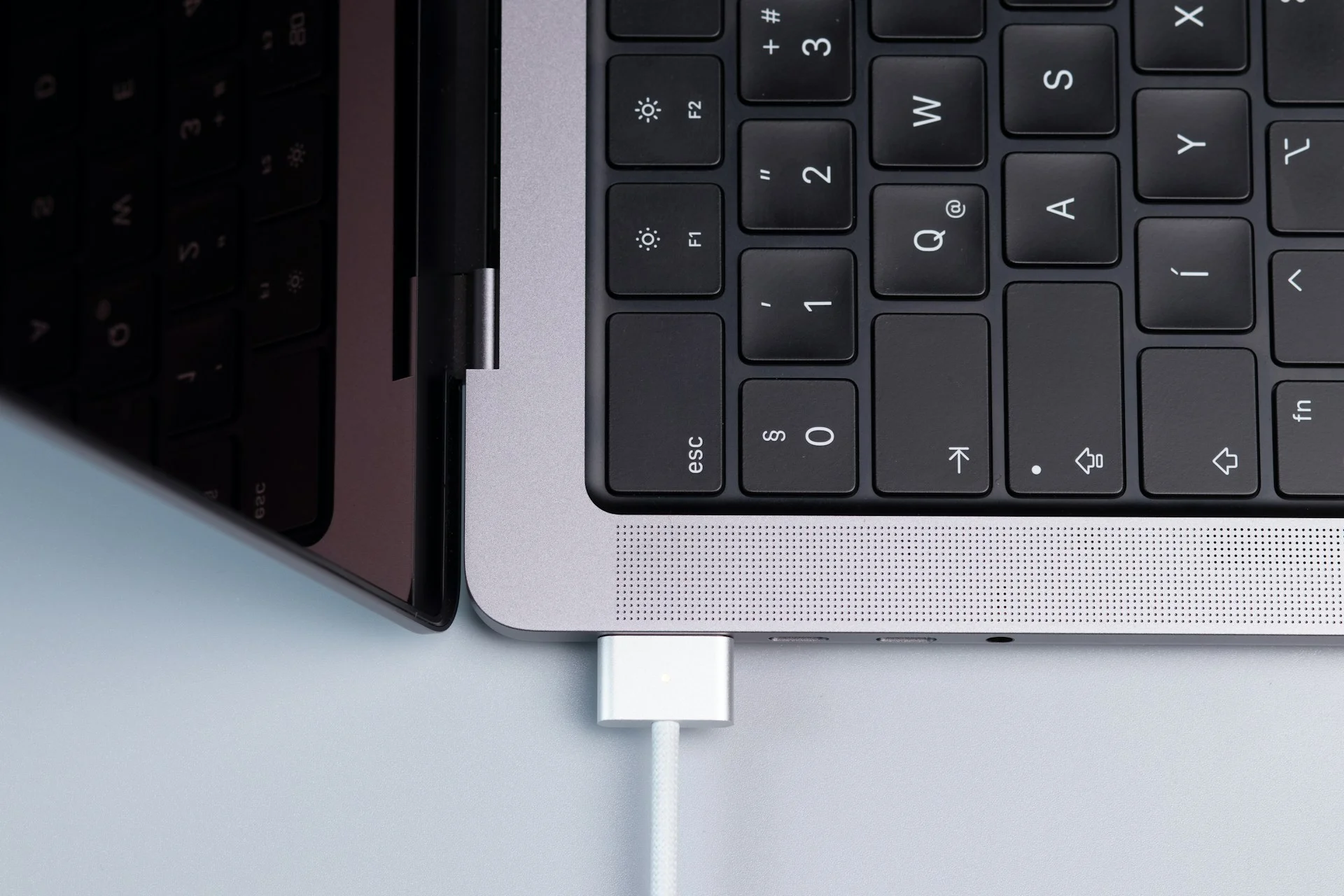
There are also third-party apps that give users even more control. Some tools allow you to manually lock the battery at a chosen percentage and only let it charge further when you decide.
This can be useful for people who keep their MacBook plugged in most of the time, such as when working at a desk or using the laptop with an external monitor.
In other words, Apple’s built-in charging limit helps protect your battery automatically, but with the right settings and tools, you can still decide exactly how and when your MacBook charges.
DISCOVER SBX CARS: The global premium car auction platform powered by Supercar Blondie