Apple urges hundreds of millions of people to update to iOS 26 before it's too late for an important reason
Published on Jan 20, 2026 at 1:38 AM (UTC+4)
by Claire Reid
Last updated on Jan 20, 2026 at 1:24 PM (UTC+4)
Edited by
Kate Bain
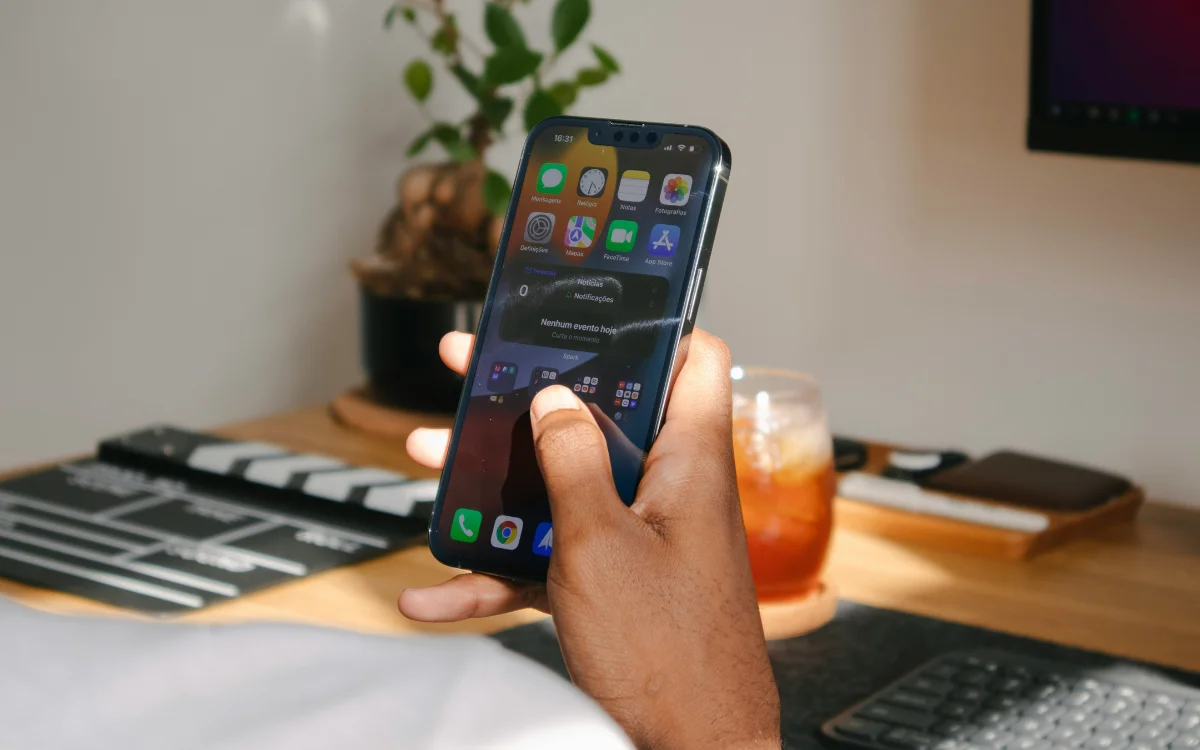

Millions of Apple iPhone users are being urged to update their devices to iOS 26 as soon as possible.
Apple launched its latest operating system, iOS 26, alongside its iPhone 17 series back in September.
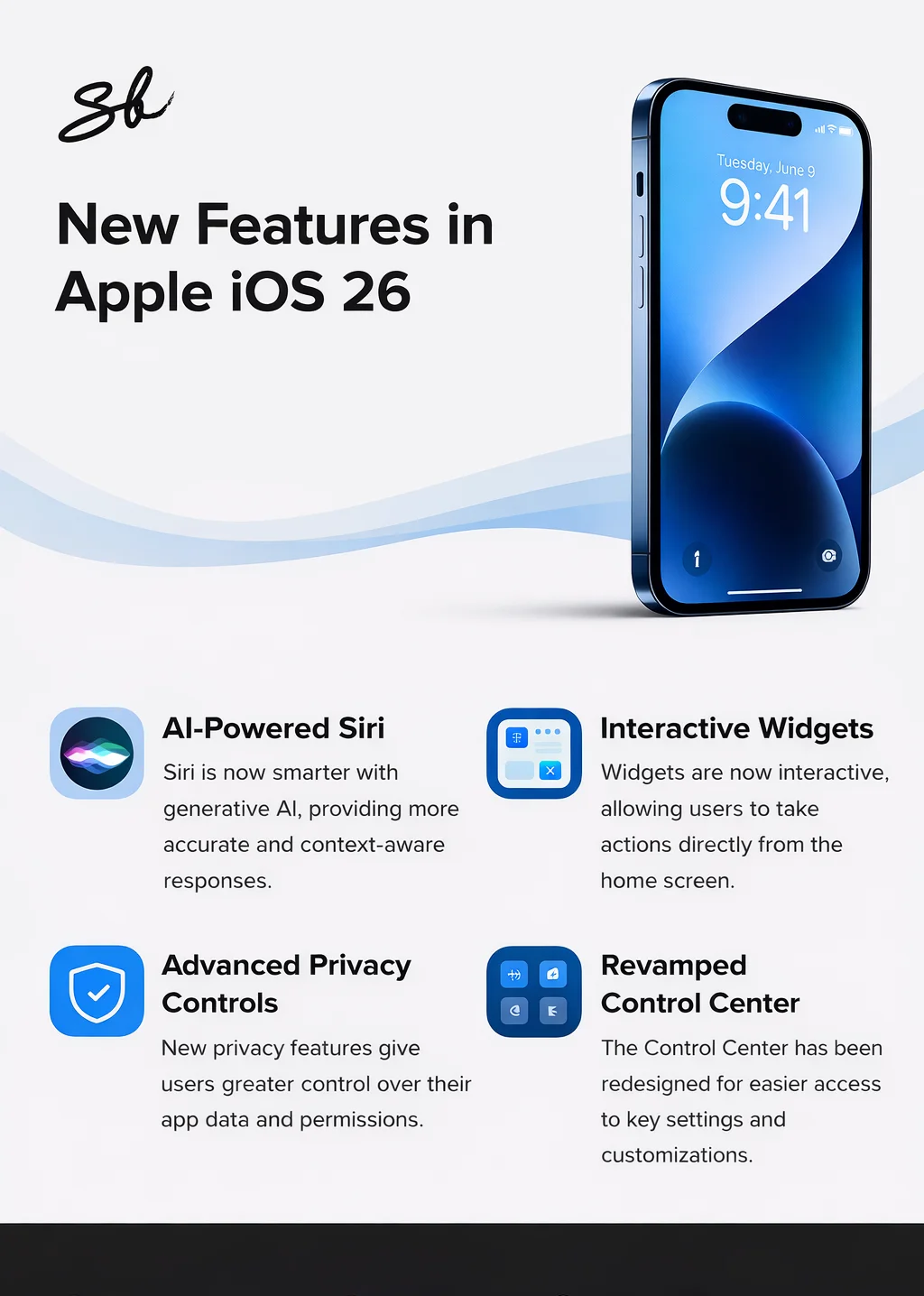
As ever, the updated operating system comes with a bunch of new features, including its Liquid Glass display.
However, Apple recently made a big change that impacts millions of users who have yet to download iOS 26 – and if that’s you, here’s what you need to do.
DISCOVER SBX CARS – The global premium auction platform powered by Supercar Blondie
If you’re not running iOS 26 on your iPhone you might need to update it now
Prior to iOS 26, all iPhones from the iPhone XS, iPhone XS Max, and iPhone XR onwards were running on iOS 18.
Unfortunately, those three devices can’t upgrade to iOS 26, with the newest operating system only compatible with the iPhone 11 onwards.
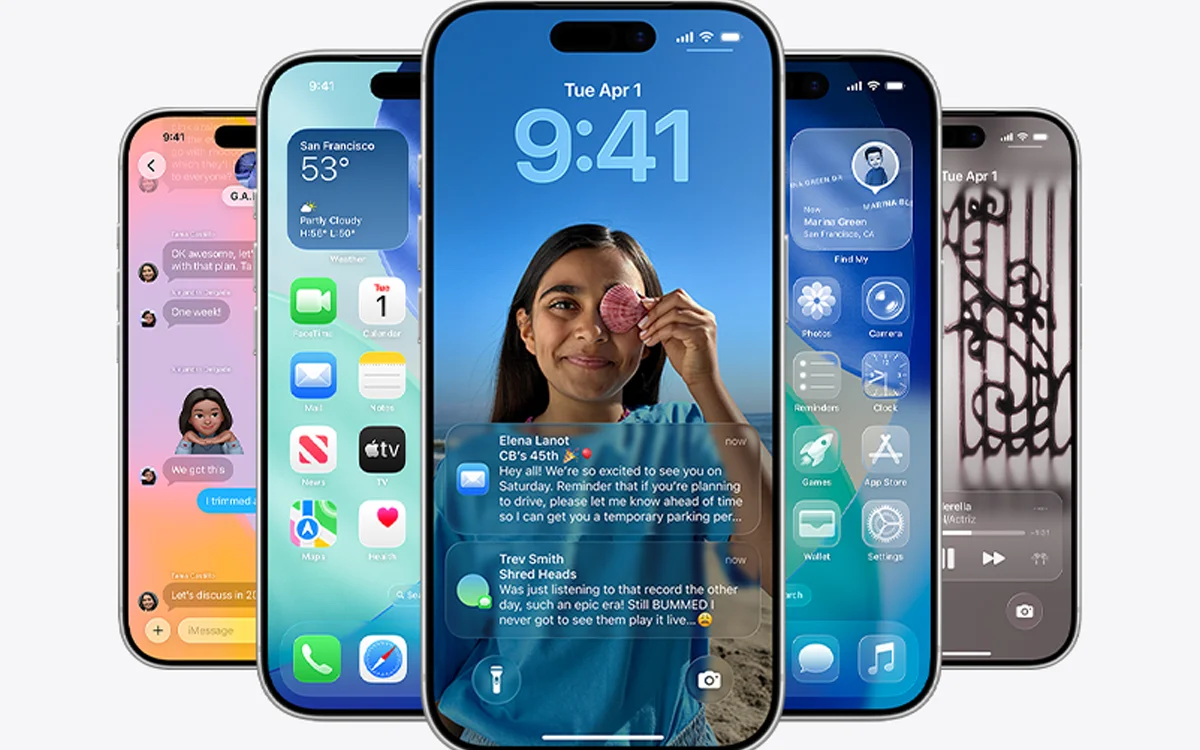
When Apple launched iOS 26, it eased folks in by continuing to update iOS 18 alongside updates and fixes for the newer operating system.
So, when the original iOS 26 was launched, so was iOS 18.7, and then when the updated iOS 26.0.1 was introduced, Apple pushed out iOS 18.7.1.
This went on for a couple of months, but in December, the tech giant decided to pull iOS 18 from general release, meaning that its latest updates are now available on the iPhone XS, the iPhone XS Max, and the iPhone XR.
For everyone else who has held off from updating their device, now is the time to act, because as well as having some cool new features, iOS 26 also comes with important security updates that will help protect your phone.
While getting used to a new operating system can be a bit of a pain, it’s a much better alternative than running your iPhone on old software that can potentially have security issues.
Need to update your iPhone? Here’s how
If you’re not running iOS 26 and you have one of the iPhone models listed below, then it’s important to update it now.
“Updates consist of frequently released patches that help secure or enhance the current operating system, and are designed to keep devices protected,” Apple explains.
Before you get started, it’s a good idea to back up your device so you’ve got a copy of all your information.
When the backup is complete, open Settings, tap General, and then hit Software Update – this will let you know what version of iOS you’re running and if there’s an update available.
If there is an update available, hit Download and Install, and follow the instructions on screen.
If you have one of these iPhones, you might need to update to iOS 26
iPhone 11
iPhone 11 Pro
iPhone 11 Pro Max
iPhone 12
iPhone 12 Mini
iPhone 12 Pro
iPhone 12 Pro Max
iPhone 13
iPhone 13 mini
iPhone 13 Pro
iPhone 13 Pro Max
iPhone 14
iPhone 14 Plus
iPhone 14 Pro
iPhone 14 Pro Max
iPhone 15
iPhone 15 Plus
iPhone 15 Pro
iPhone 15 Pro Max
iPhone 16
iPhone 16 Plus
iPhone 16 Pro
iPhone 16 Pro Max
iPhone SE (2nd generation
iPhone SE (3rd generation)
iPhone 16e
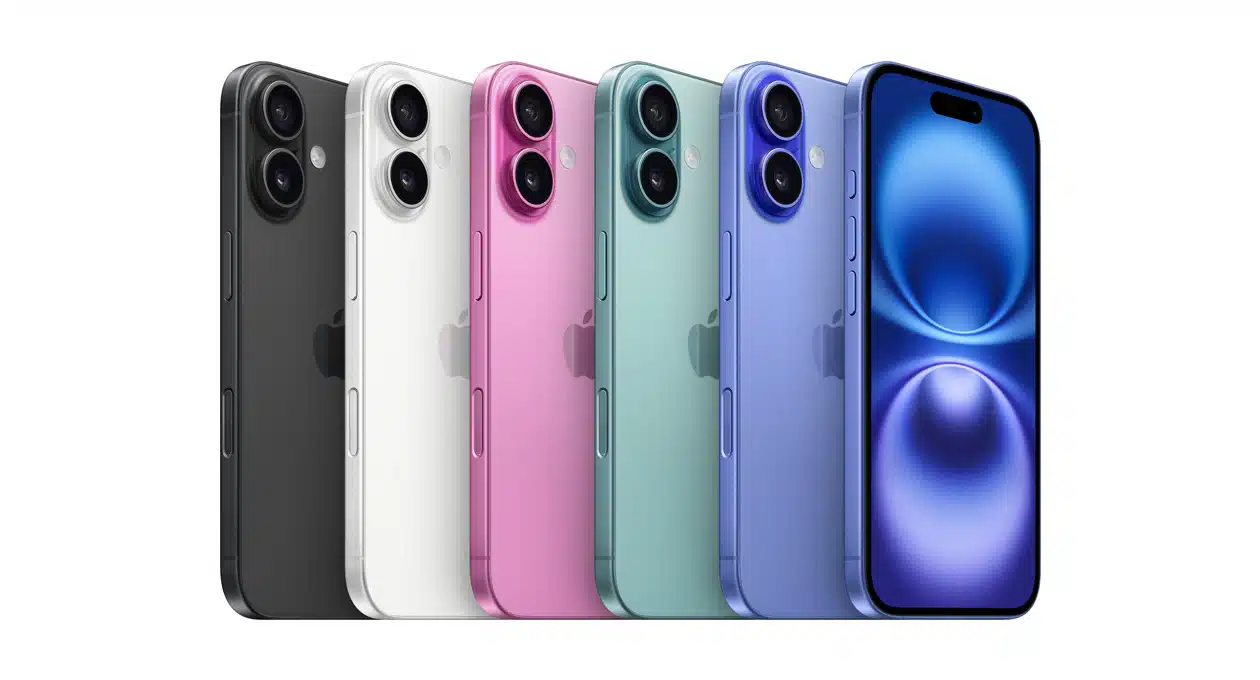
The new iPhone 17 series and the iPhone Air are also compatible, but came pre-installed with iOS 26
DISCOVER SBX CARS: The global premium car auction platform powered by Supercar Blondie
With a background in both local and national press in the UK, Claire has covered a range of topics, including technology, gaming, and cryptocurrency, since joining the editorial team at Supercar Blondie in May 2024. Her ability to be first to a story has been integral to making SB’s coverage of scientific discovery, AI, and global tech news a slick 24/7 operation.