Apple gives detailed advice for exactly what you need to do if your iPhone is stolen
Published on Jul 05, 2026 at 12:04 AM (UTC-4)
by Daisy Edwards
Last updated on Jul 05, 2026 at 12:04 AM (UTC-4)
Edited by
Kate Bain
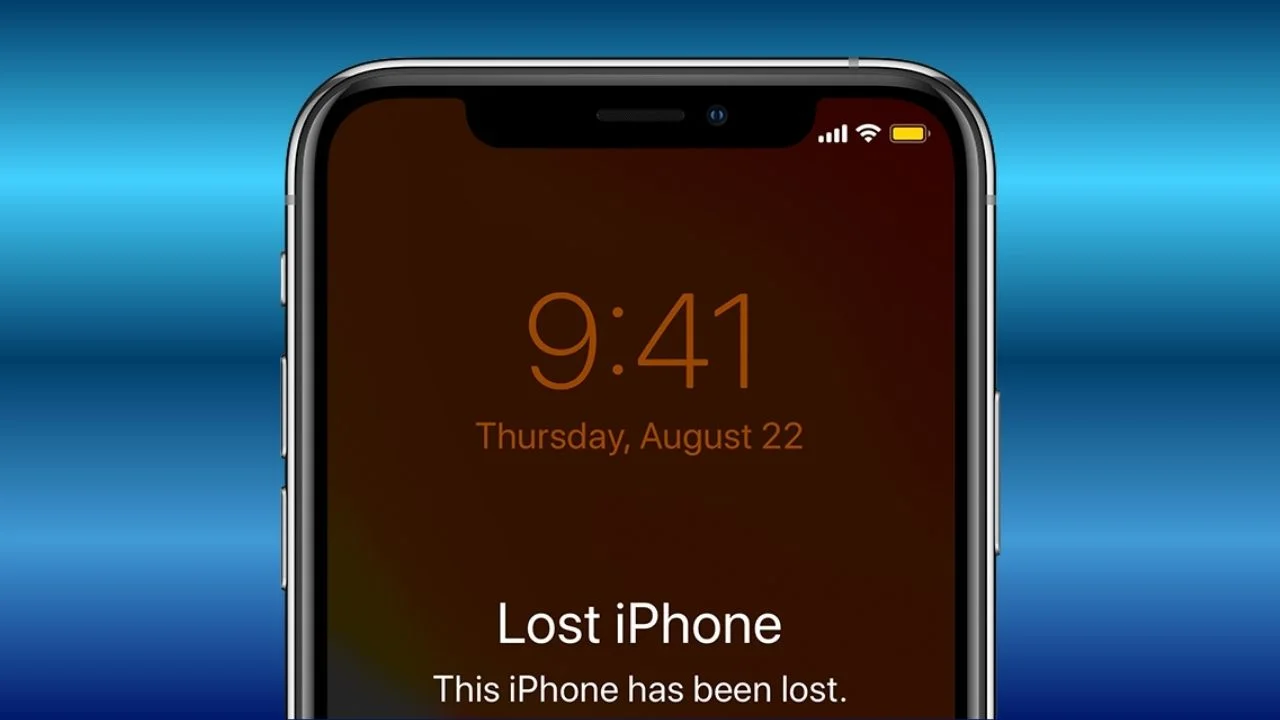

Misplacing your Apple iPhone is bad enough, but having it stolen by a thief is a whole different level of panic.
In a matter of minutes, thieves could have access to your accounts, your photos, and even your bank apps if you’re not careful.
That’s why Apple has shared more detailed advice than ever before on exactly what to do if your iPhone falls into the wrong hands.
And one of its biggest warnings is about a trick that might seem helpful at first but could actually make things much worse.
This is what you need to do if your iPhone is stolen
Nobody wants to imagine any of their gadgets disappearing from their pocket or bag, but it happens more often than we’d like to think, especially with the price of iPhones being so high.
To help people prepare for the worst, Apple has expanded its official advice on its support website with a step-by-step guide explaining exactly what you should do if your phone is stolen.
One of the biggest surprises is that Apple says you shouldn’t put your phone number on the lock screen if you know your iPhone has been stolen.
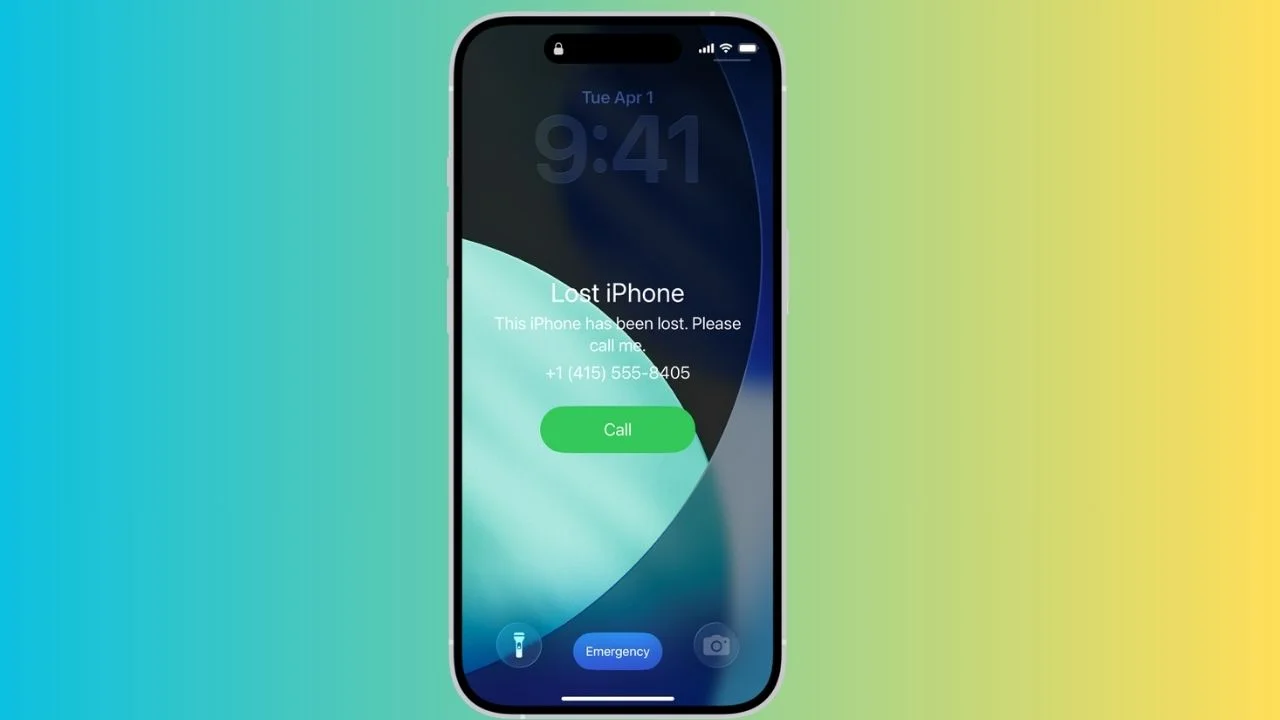
Normally, when a phone is simply lost, adding your contact details gives an honest stranger a way to return it.
But if a thief has your device, Apple says that information could be used against you.
Criminals have been known to call or message victims while pretending to be Apple Support or their phone provider, hoping to convince them to hand over passwords or security codes, so not only would you be a victim of theft, you might also become a scam victim too.
It might sound convincing in the moment, but Apple says you should never share those details with anyone.
The company also says there’s one thing you definitely shouldn’t do: remove the stolen iPhone from the Find My app.
Even if you’ve given up hope of getting it back, leaving it connected to your account makes it much harder for someone else to wipe the phone and sell it on.
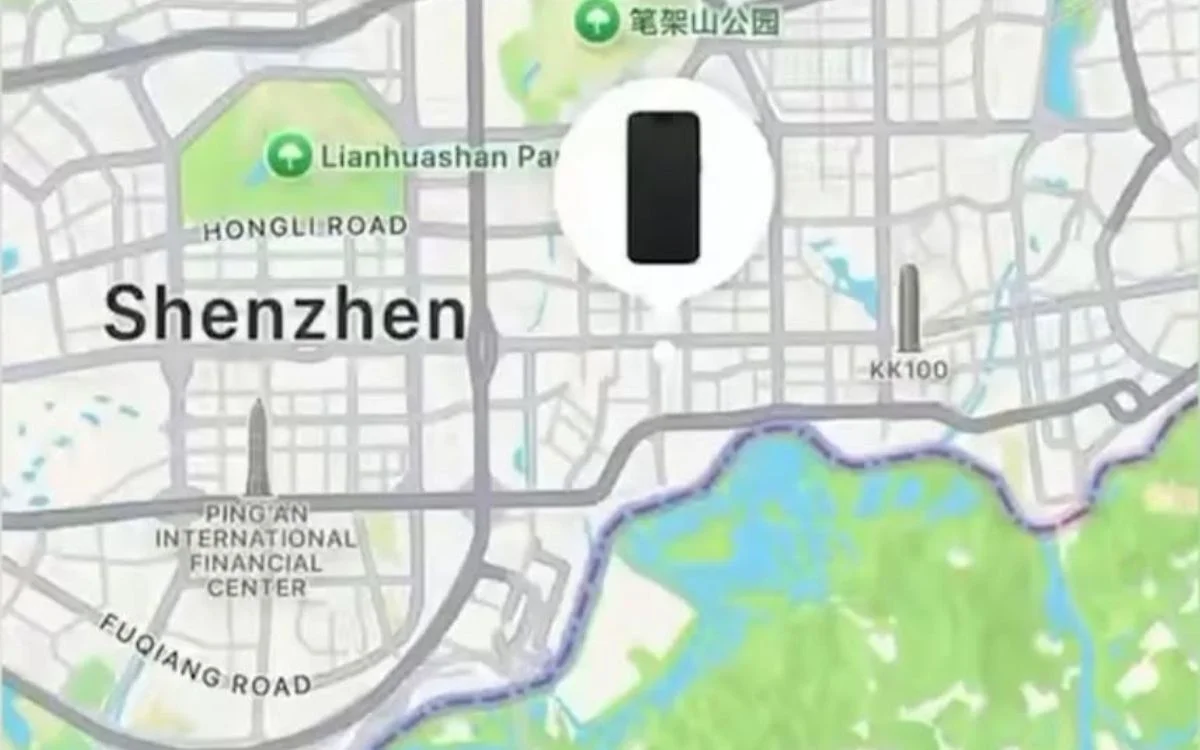

This is the step-by-step guide for what to do
Apple says the first thing you should do is put your iPhone into Lost Mode.
That immediately locks the phone, pauses Apple Pay, and helps stop anyone from making changes to your account while you figure out your next move.
If you still can’t get the phone back, the tech company recommends erasing it remotely, contacting your mobile provider, reporting the theft to the police, and changing your Apple Account password as soon as possible.
If you have AppleCare+ Theft and Loss, you may also be able to claim a replacement, although Apple says to leave the phone linked to Find My until your claim has been processed.

The company also highlighted a surprisingly sneaky scam that has caught some people out.
Someone might offer to take a photo of you with your own iPhone, secretly turn off Face ID, then watch as you type in your passcode when they hand it back, but there are ways to stop this happening.
Later on, if they steal the phone, they already know the code they need to get in.
While nobody expects to have their phone stolen, knowing what to do beforehand could save you a lot of stress if the worst ever happens, but fingers crossed it never does.
Daisy is a technology and automotive journalist covering artificial intelligence, consumer tech, Apple news, cryptocurrency, emerging technologies, and transportation innovation. Since joining the team in 2025, she has reported on everything from AI-powered startups and major iOS updates to viral car stories and the latest developments shaping transportation and the digital economy. Drawing on her background in automotive journalism and a degree in History and Journalism from Goldsmiths, University of London, Daisy specializes in breaking down complex topics into clear, engaging reporting for a global audience. Her work spans cutting-edge technology, innovative vehicles, and the people driving change across both industries. Daisy has gained first-hand access to some of the world's most talked-about technologies and innovators, including meeting Tesla's Optimus humanoid robot during its first European appearance in London. She has also discussed the future of space exploration with an astronaut, bringing unique insights and real-world perspectives to her coverage of emerging technology.




